The number on a calculator screen looks self-contained. It is not.
Behind that neat row of digits is a small agreement about what the last key meant, which operation is waiting, whether a percentage is attached to a base value, and whether an older answer is still available. Most of the time the agreement stays invisible because the ordinary path is familiar. Then one key arrives out of sequence and the machine appears to have developed an opinion.
That is why two calculators can disagree without either one being broken. They may be following different input grammars, or the same grammar with different conventions for %, memory, or precedence. The useful question is not “Which display looks right?” It is “What state did each calculator think it was in?”
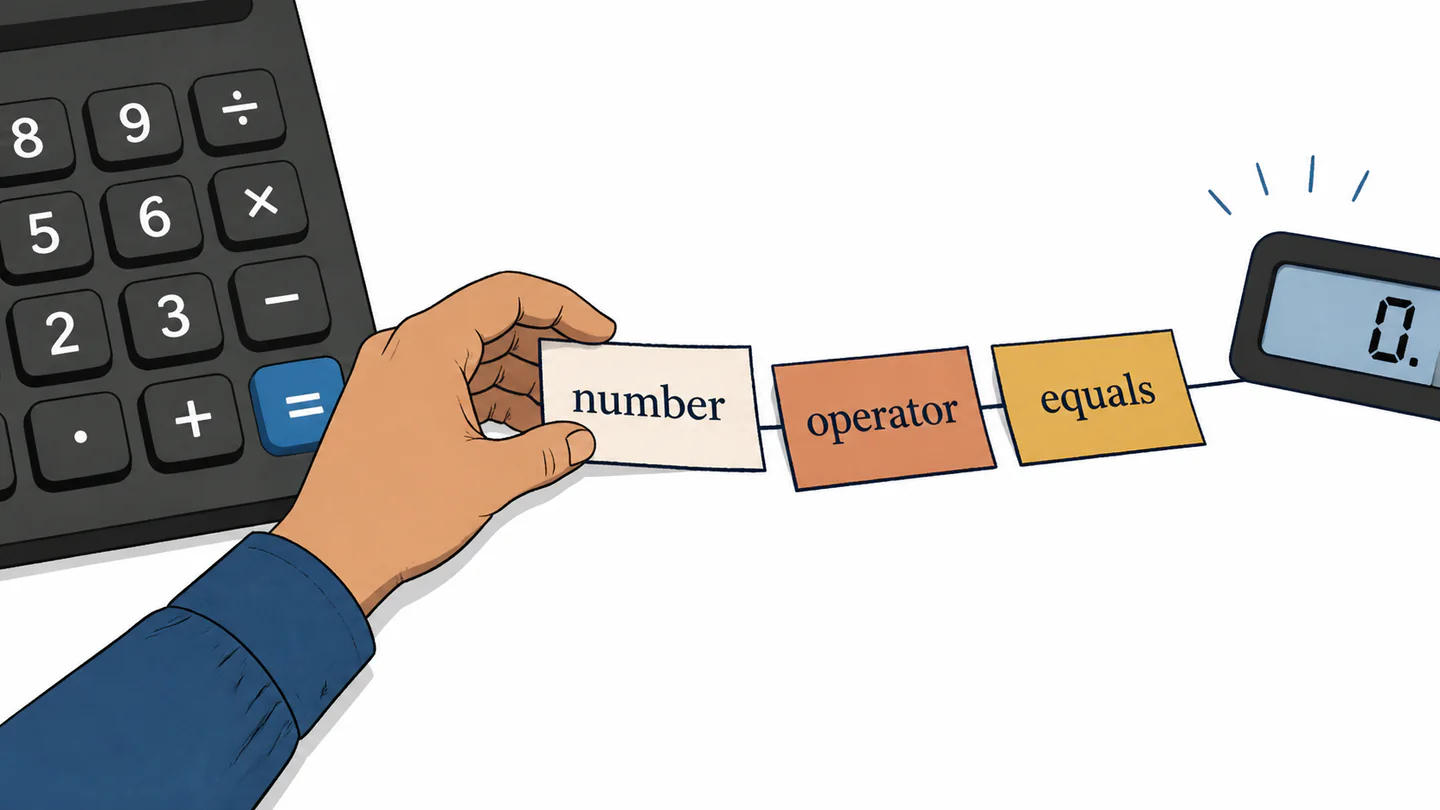
A calculator has a grammar before it has an answer
Press 12 + 3 x 4 and you have supplied symbols, not yet a universal meaning. A calculator that follows algebraic precedence can hold the addition while it evaluates the multiplication. A calculator that commits operations as they arrive can take a different route. Reverse Polish Notation changes the entry sequence again: the user places values on a stack and then applies the operator.
These are not three levels of intelligence. They are three contracts between hand and machine. Texas Instruments documents both Algebraic Operating System and Equation Operating System approaches, while HP documentation explains the difference between algebraic and RPN entry. The visible keys may look familiar across models; the order in which those keys become a calculation is the part that changes.
The display is therefore a report, not a transcript. It may show a rounded result while the machine retains more digits. It may show the current entry while an operation is waiting in the background. It may show a clean number even though the next key will be interpreted in the context of what came before.
Four questions that separate the contracts
| Layer | Look for | Question to ask |
|---|---|---|
| Entry | Expression layout, stack, or immediate execution | Does the machine wait for a complete expression? |
| Mode | Angle, statistics, finance, or input/output indicators | Which rulebook is active right now? |
| Memory | `Ans`, variables, independent memory, or an `M` indicator | Could an earlier value be part of the next step? |
| Display | Decimal places, significant digits, fractions, or scientific notation | Is the screen showing the value the machine is using? |
The percent key is a relationship, not just a symbol
The % key is where the hidden contract becomes especially obvious. “20 percent” can mean 20 divided by 100. It can mean 20 percent of a base amount. It can describe a markup, a discount, a ratio, or a rate of change. Those are related ideas, but they are not the same operation.
Casio manuals make this explicit by listing separate examples for a percentage, a ratio, a premium, a discount, and rate of change. The key is not magical; the surrounding expression supplies the relationship. If the relationship is missing from the user’s mental model, a correct result can still feel like a betrayal.
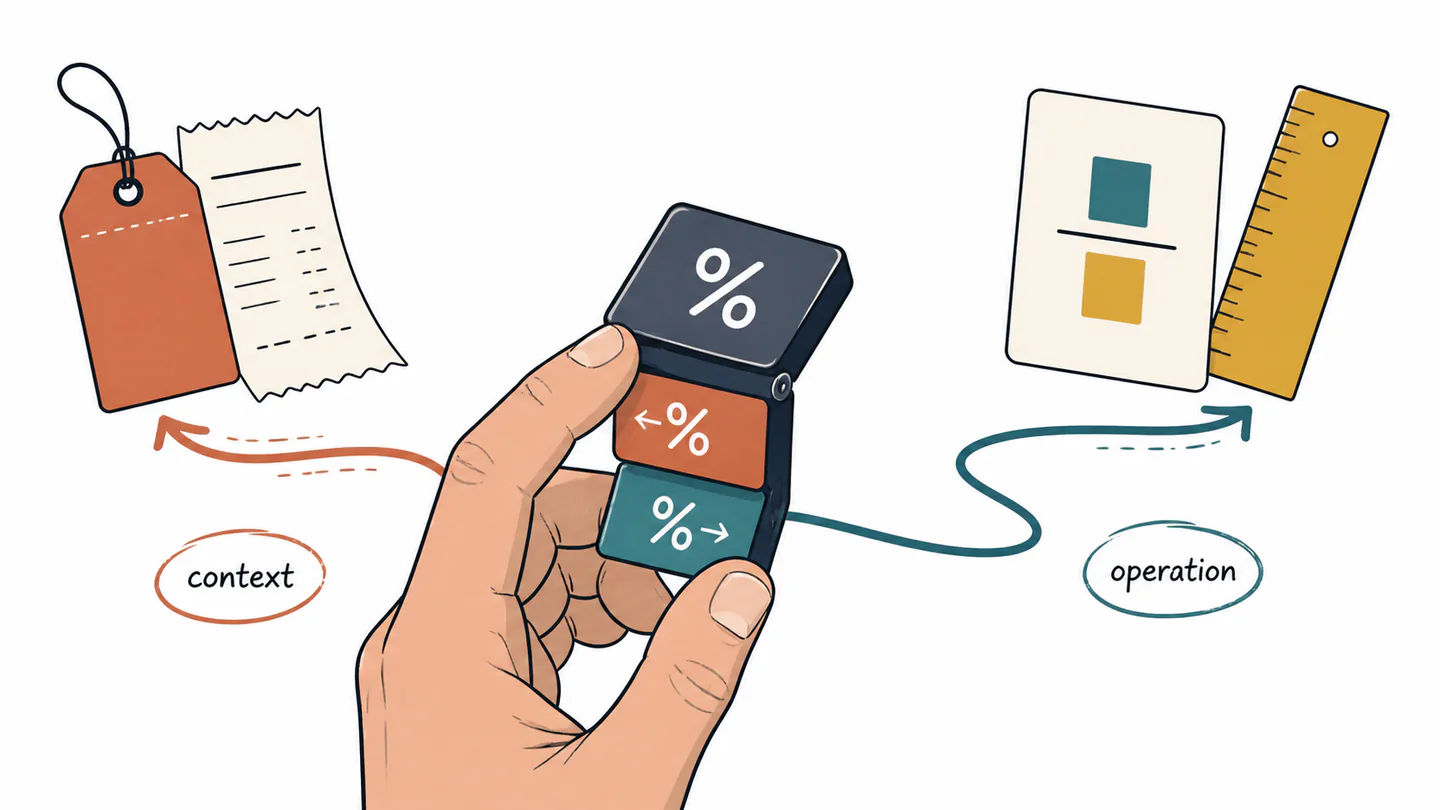
This is a design lesson hiding inside a tiny key: symbols are economical because context does the rest of the work. The economy is helpful when the context is visible. It is risky when the interface makes the context look like a universal definition.
Memory turns yesterday’s answer into today’s input
Memory functions are not merely a convenience for avoiding retyping. They change the boundary of the current calculation. A value stored in independent memory, an answer register, or a named variable can be pulled into a later expression even when it is no longer visible as the main result.
Casio’s documentation describes answer memory, independent memory, variables, and commands for clearing memories. The important design fact is not that every calculator behaves identically. It is that memory is a real state layer with its own controls, and a user who has not checked that layer is not starting from a blank page.
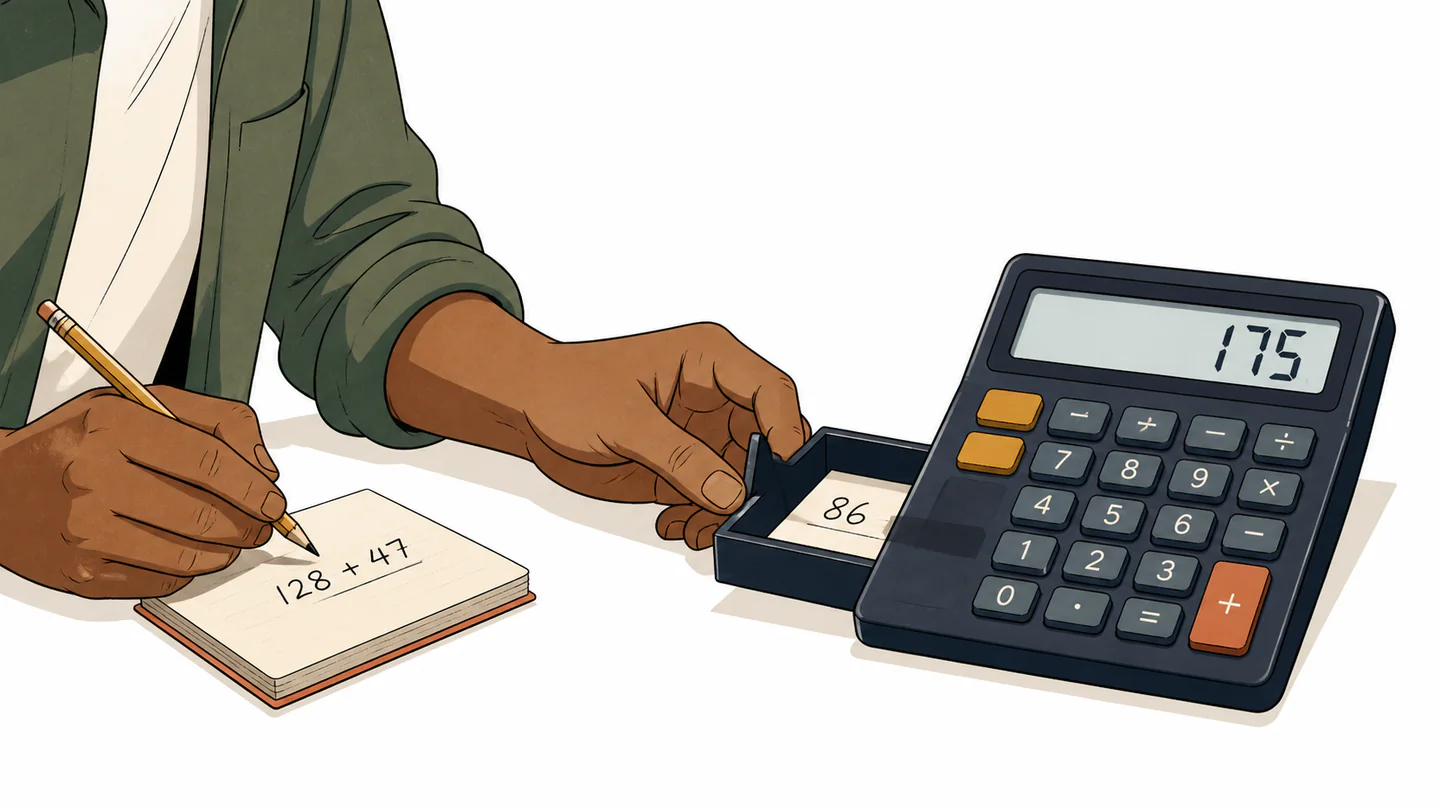
When a result surprises you, replay the state
- Pause before correcting the number. Record the exact keys, including `AC`, `C`, `Ans`, `%`, memory commands, and equals.
- Read the indicators. Check the active mode, angle unit, memory marker, and input/display setting.
- Empty the hidden layers where appropriate. Clear the expression or memory according to the model's manual; do not assume `C` and `AC` mean the same thing everywhere.
- Rewrite the question in words. “Find 20% of 150” is more precise than “150, 20, percent.”
- Enter a smaller test. Use a simple value whose expected result you can calculate by hand, then rebuild the original sequence.
A calculator is arithmetic plus a state contract. If the contract is hidden, the number can be correct and still be hard to trust.
The design problem is visibility, not feature count
Adding more keys does not automatically make a calculator more powerful. It can make the state model harder to see. A strong interface gives users a short route to three answers: what is active, what is stored, and what will happen next.
That principle applies to a pocket calculator, a spreadsheet formula bar, and a phone app. A polished display is not enough if the user cannot reconstruct the path that produced it. Conversely, an old-looking machine can be dependable if its entry rules and memory signals are legible.
Show the mode, unit, pending operation, or memory signal before it changes the next key's meaning.
Give users a clear reset and a small test path instead of forcing them to guess which layer went stale.
Explain the relationship behind a symbol, especially when one key covers several familiar questions.
The best calculator is not the one that hides the most machinery. It is the one that lets you see just enough of the machinery to know what question you actually asked.