You need inverse sine, but the key in front of you says sin. The smaller sin-1 label is printed above it in amber. Pressing harder will not reach it. The calculator is waiting for a two-key sentence: select the amber layer, then select the physical location.
That is the useful mental model for 2nd, SHIFT, and similar prefix keys. They do not permanently transform the keyboard. They usually change the interpretation of the next keypress, then release the layer.
One key position has more than one address
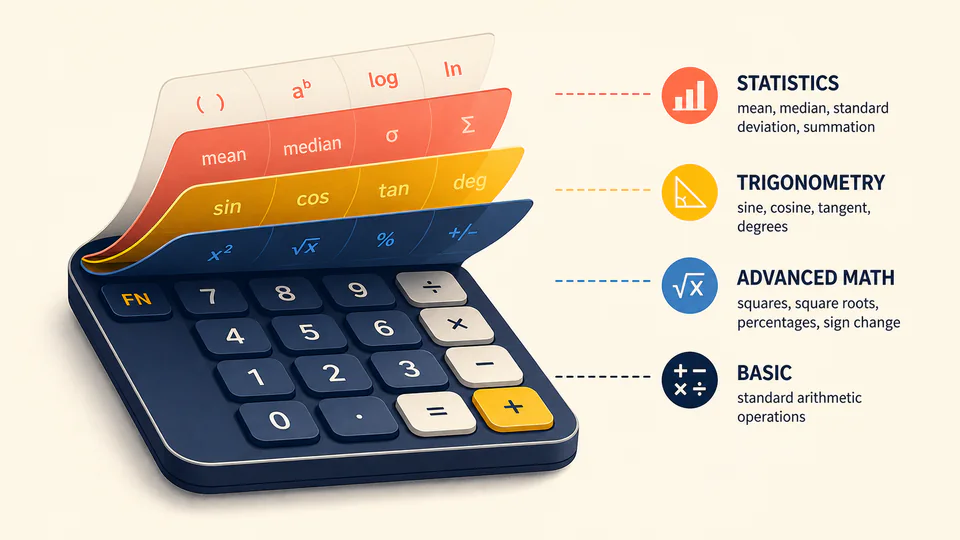
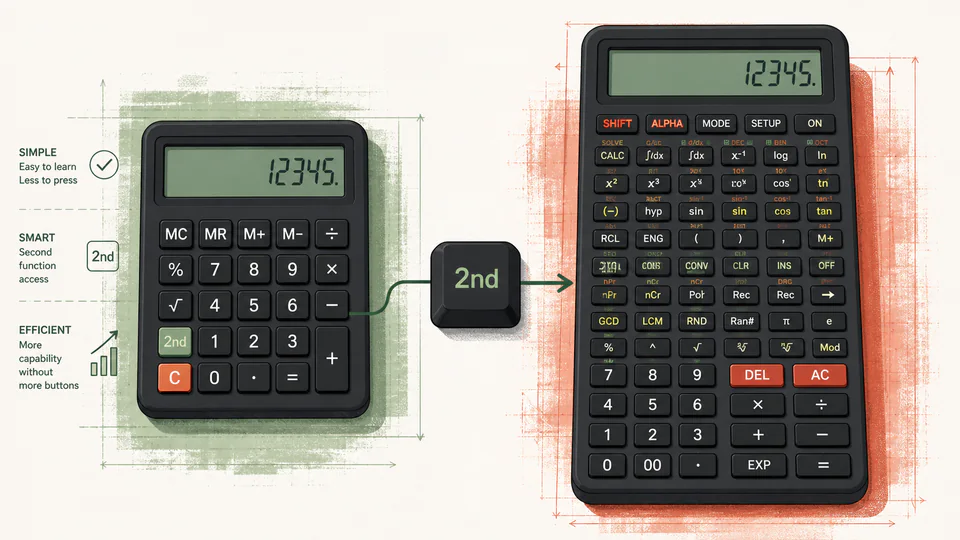
A compact scientific calculator has too many operations for one label per key. Inverse trigonometric functions, powers, constants, conversions, and setup commands all need somewhere to live. Making the case wider would hurt portability and reach. Making every key smaller would hurt accuracy.
The compromise is a layered address system. The keycap supplies the location; the prefix supplies the layer. On the Casio model documented in the source below, pressing the shift key turns on a shift indicator, and pressing the next key makes the indicator disappear. That visible indicator matters because the hardware has entered a short-lived state.
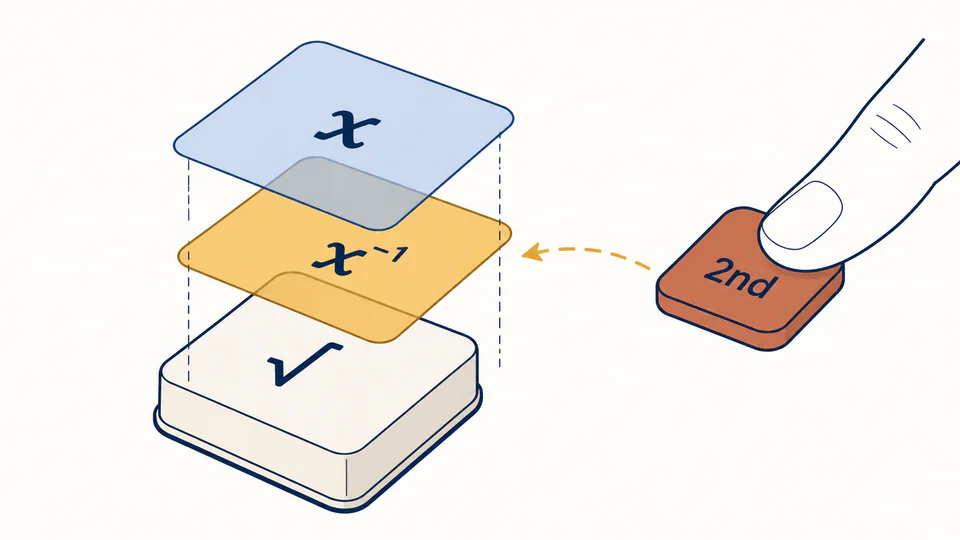
This explains why 2nd by itself often appears to do nothing. It is incomplete input. The calculator is not calculating yet; it is waiting to learn which alternate label you want.
Follow the indicator, not your memory
Suppose sin-1 is printed above the sin key:
The sequence is easy when everything goes well. The trouble starts when the user presses 2nd, looks away, and forgets which layer is active. A later key can invoke a function that was never intended.
| What you see | Likely state | Useful response |
|---|---|---|
| Shift indicator is visible | The next key may use its alternate label | Press the intended key, or cancel before continuing |
| No shift indicator | Primary labels are active | Pressing sin should mean sin, not sin-1 |
| A letter or variable appears | An alphabetic layer may have been armed | Exit or cancel that layer according to the model |
| A menu opens instead of a function | The alternate label points to a menu command | Close the menu and check the printed color code |
The exact cancel key varies. Some models let a broad clear or back key abandon the prefix; others simply release it after the next key. The manual is part of the interface, not an optional appendix, because the same printed word can have different behavior across families.
A prefix is not the same as a lasting mode
A second-function layer is usually momentary. Degree mode, statistics mode, or base-n mode can persist across many keypresses. Confusing those two kinds of state causes a familiar complaint: “The calculator keeps doing the wrong thing.”
The distinction gives you a practical diagnostic. If one unexpected symbol appears and the indicator immediately vanishes, a prefix was probably involved. If every later result behaves differently, inspect the persistent mode indicators instead.
Why manufacturers accept the cognitive cost
Layering saves physical area and keeps related operations near each other. sin and sin-1 share a location because their mathematical relationship is useful. But the design transfers work from plastic to attention: the user must read color, remember a prefix, and watch an indicator.
When a key produces the wrong function, check the active layer before assuming the mathematics is wrong.