A calculator looks quiet until you press a key. Then a small black square can add, commit, erase, remember, reinterpret, or change the rules for the next keystroke. The keypad is not merely a list of mathematical symbols. It is a compact language designed for a conversation between a person and a machine.
That language is easy to miss because the grammar is physical. A key may be a number, an operation, a command, a mode switch, or a second function hiding above another key. The display shows the current sentence only partially. Memory can hold another sentence backstage. Some keys act differently depending on what came before them.
Learning to notice this structure makes familiar calculators more interesting. It also explains why two devices with almost the same keys can feel completely different.
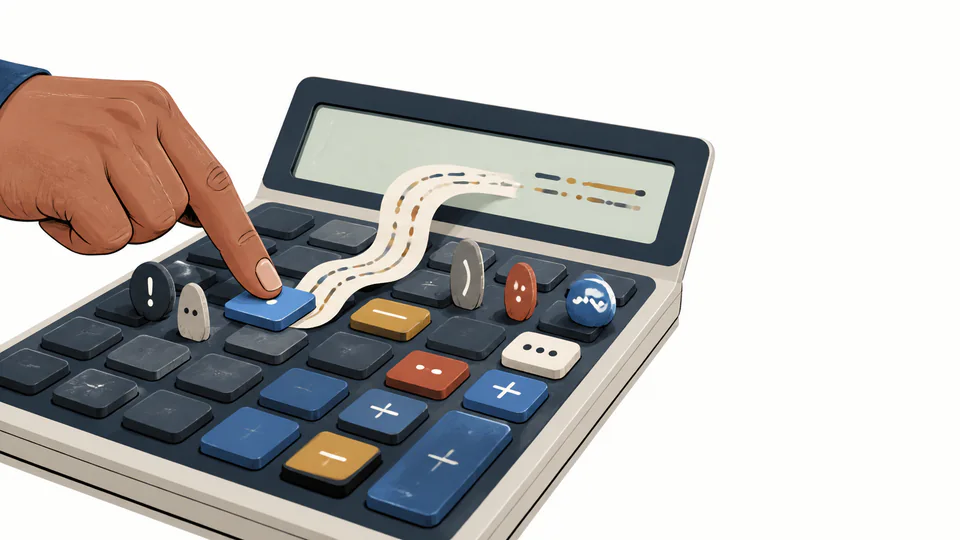
Keys are more like verbs than labels
On a very simple calculator, the number keys behave like nouns. They introduce values into the conversation. The plus key is closer to a verb: it tells the machine what relationship to apply next. The equals key often behaves like punctuation, but it can also act as an instruction to finish an operation.
This is why a calculator cannot be understood by looking at its symbols alone. The same key can be harmless in one position and decisive in another. Pressing + after a number says “prepare to add.” Pressing it again may repeat or replace an unfinished operation, depending on the model. Pressing = may calculate, repeat the last operation, or commit a line of input.
A modern algebraic calculator may collect a complete expression before evaluating it. A basic four-function calculator may evaluate as each operator arrives. Neither approach is automatically more correct. They are different languages with different rules for when a sentence is considered complete.
The result is a small but important design choice: should the calculator behave like a typewriter that waits for the full sentence, or like a cashier who updates a running total after every item?
The percent key is a context machine
The % key is one of the clearest examples of a key whose meaning depends on its neighbors. A user may think “percent means divide by 100,” but ordinary calculators often use the key for several related tasks.
Casio’s official documentation separates percentage, ratio, premium, discount, and rate-of-change examples. In one setting, 1500 followed by 12% produces 12 percent of 1500. In another, a pair of values is compared to ask what percentage one is of the other. In a markup or discount expression, the percentage is applied to a base and then added or subtracted.
These are not five unrelated tricks. They are five common sentences that use the same word—“percent”—in different grammatical positions. The calculator tries to infer which sentence the user intended from the order of keys.
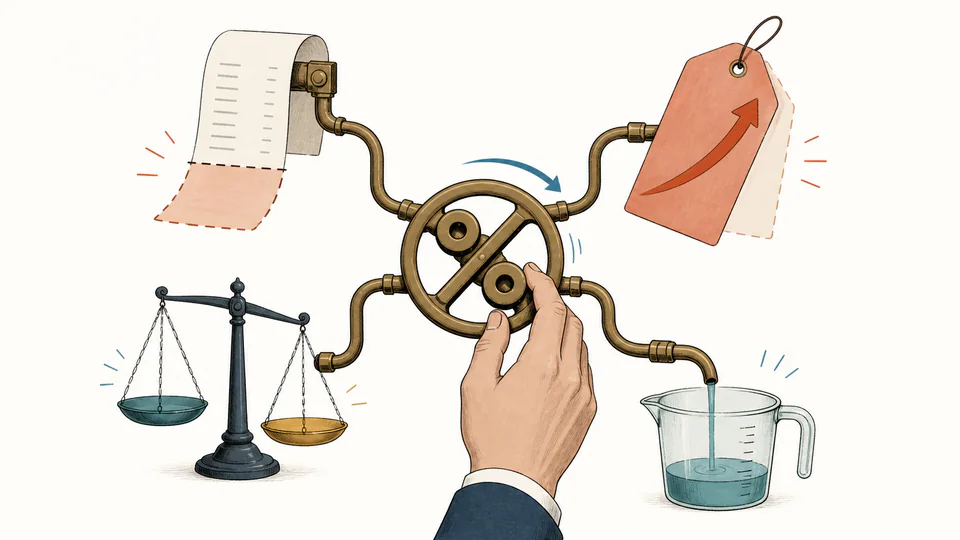
This is useful and dangerous at the same time. It is useful because a shopkeeper can perform a familiar discount calculation quickly. It is dangerous because a user can carry a key sequence from one calculator to another and assume that the same punctuation has the same grammar.
When a percentage matters, write the intended formula in ordinary mathematics first. Then use the keypad as a translation of that formula. If the device’s manual gives a specific sequence, treat that sequence as a dialect, not as a universal law.
Memory keys create a backstage
M+, M-, MR, and MC are not decorative extras. They create a second workspace that is not always visible on the main display. A number can be added to a stored total, subtracted from it, recalled, or cleared while the visible calculation continues.
This makes the calculator resemble a small theatre. The display is the stage. The memory register is backstage. The operator can send a value behind the curtain, continue another line of work, and bring the stored value back when the plot requires it.
Memory keys became especially useful when displays were small and writing down an intermediate value was slow. They also introduced a new kind of error: the result on screen may look right while an old value remains in memory. A memory indicator is therefore part of the calculator’s state, just as important as the digits currently visible.
The second function hiding above the key
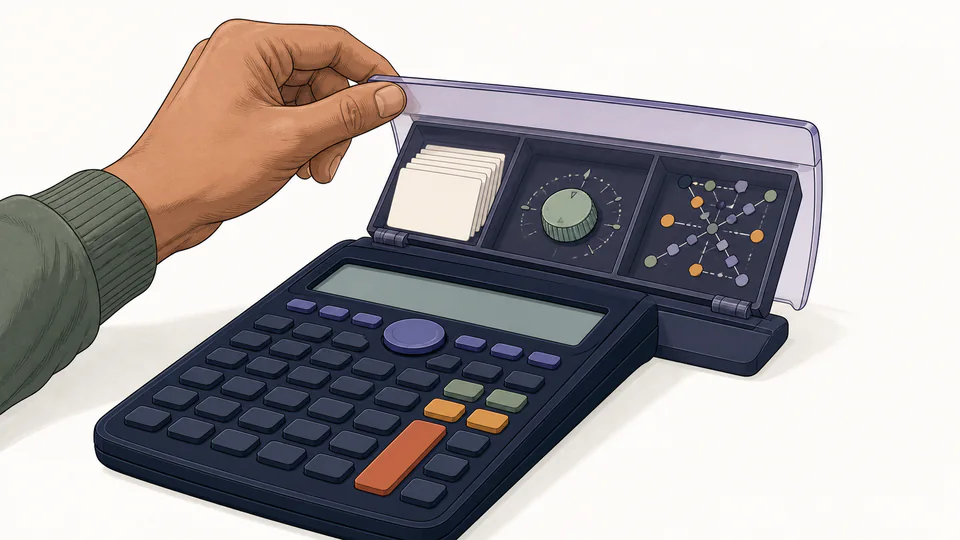
Scientific calculators often place several functions on one physical key. A shift, second-function, or alternate-function key changes the next keypress. The printed color or position tells the user which layer is active.
Casio’s user documentation describes this directly: pressing the shift key followed by another key accesses the alternate function printed above it. The color is not merely decoration. It is a visual reminder that the keypad has switched vocabulary for one moment.
This is a clever answer to a physical constraint. A calculator with every function on its own key would be enormous. Layering functions keeps the case compact, but it makes the user remember a small grammar of modifiers: first choose the layer, then choose the operation.
The cost is discoverability. A blank-looking key may have a useful function printed in a different color. A mode indicator may be tiny. A student can know the formula and still enter the wrong operation because the interface’s active layer was invisible or forgotten.
RPN makes the grammar visible
Reverse Polish notation, or RPN, takes the hidden grammar and places it in the open. Instead of typing an expression in the order it is usually spoken, the user enters values first and then applies the operation. The calculator maintains a stack of values; an operator consumes the values it needs and places the result back on the stack.
For someone used to algebraic entry, this can feel backwards. For someone who thinks in a sequence of intermediate results, it can feel wonderfully direct. The key point is not that one style is superior. RPN exposes the machine’s state, while algebraic entry tries to hide that state behind familiar notation.
The same design question appears in programming languages, spreadsheets, and voice assistants: should the user describe the complete relationship first, or should the system perform a series of small actions?
A good keypad teaches its model
The best calculator interfaces do not merely reduce the number of buttons. They make the machine’s model legible. A clear mode indicator tells the user which rules are active. A visible memory state prevents hidden values from becoming surprises. A consistent percent behavior makes its contextual shortcut predictable. A well-designed scientific layout groups functions according to how people use them rather than according to how the circuit happens to be wired.
This is why calculator design belongs in the history of user interfaces. The devices are small, but the questions are large:
- What should be visible and what can remain behind the scene?
- When should the machine infer intent, and when should it demand explicit input?
- How much context can a key borrow from its neighbors before the shortcut becomes a trap?
- Should the interface imitate written mathematics, spoken language, or the machine’s internal process?
Every key answers one of these questions. A calculator is a tiny essay about how a machine expects a person to think.