The TAX key is one of the few calculator buttons that remembers a local law of the shop. It can add a stored rate to a price, or remove that rate from a tax-inclusive total. The two operations look like mirror images, but they are not the same subtraction in reverse.
That distinction matters because tax is usually quoted as a percentage of the pre-tax price. Once tax has been added, the total is larger than the base. To go backward, the calculator must divide by one plus the rate, not simply subtract the same percentage from the total.
TAX+ is a stored-rate operation
On compatible Casio models, the rate is set separately and can be checked before a calculation. Entering a price and pressing TAX+ applies the stored rate to that price. The rate is not discovered from the price; it is a setting carried by the calculator.
That makes the key fast at a checkout desk and dangerous in a shared drawer. A calculator that still contains yesterday’s rate can produce a perfectly neat wrong total. Casio specifically warns users to check the tax-rate setting before starting a tax calculation.
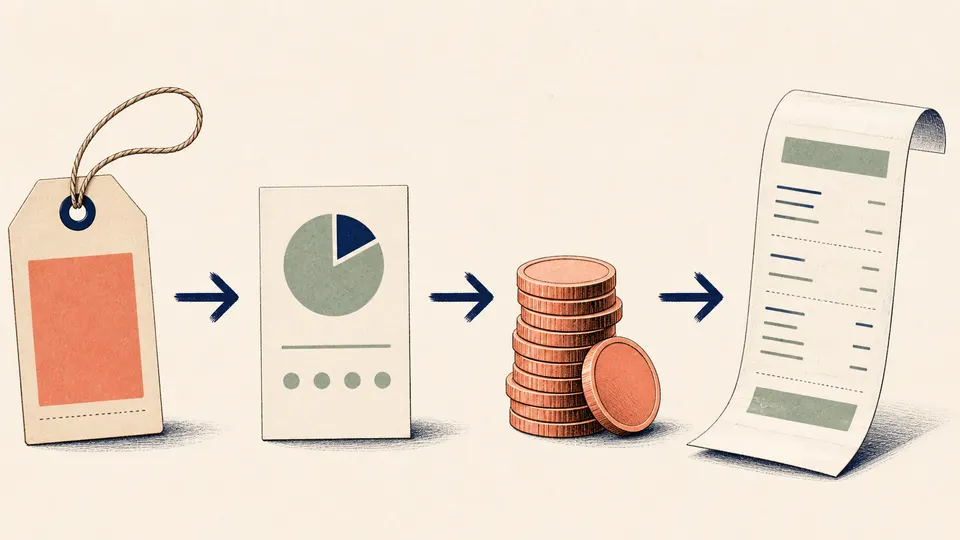
TAX- works from the total, not the original base
If 108 includes 8% tax, the pre-tax price is 108 / 1.08, which is 100. A plain 8% subtraction would remove 8.64 and leave 99.36. That is the wrong base because 108 is not the amount on which the tax was originally calculated.

The key is a miniature policy, not a universal tax engine
Tax systems can include multiple rates, exemptions, inclusive or exclusive pricing, and jurisdiction-specific rounding. A calculator TAX key normally applies one stored rate and one model-specific convention. It is a fast arithmetic tool, not evidence that a transaction complies with a tax code.
A TAX key saves keystrokes, not the responsibility to verify the rate and the price convention.