The best calculator key can be pressed without looking. Your finger feels the travel, the resistance changes, a click arrives, and the display confirms the result. That small loop is why a cheap physical keypad can feel more trustworthy than a flat touchscreen for rapid numeric entry.
Tactile feedback is not decoration. It helps separate one press from a missed press, reduces accidental repeats, and lets the user divide attention between the keypad and the work surface.
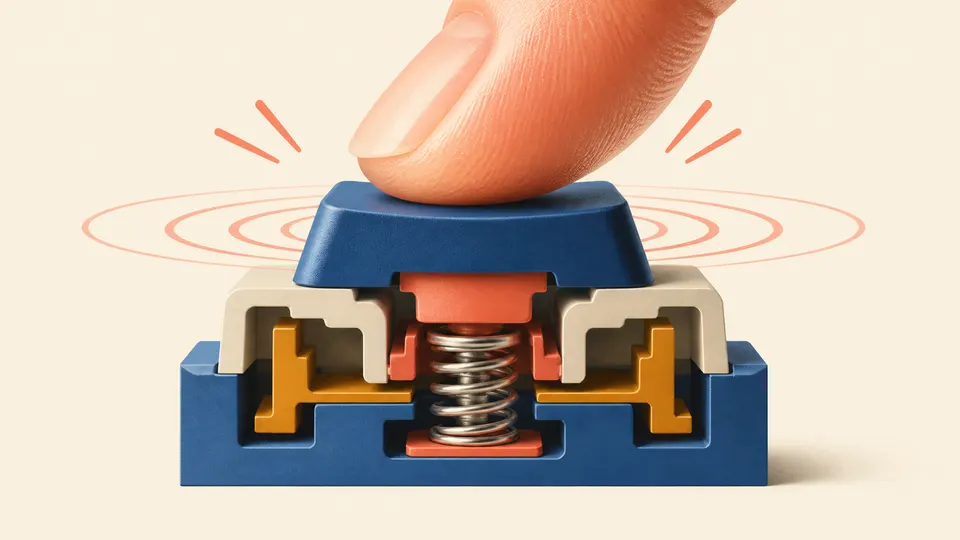
A key has a physical event and a logical event
The physical event is the finger moving the key. The logical event is the calculator registering a key code and changing its input state. Good design makes those events feel connected. If the key bottoms out with no clear transition, the user may press again because the first press did not feel real.
Human-factors guidance for keypad keys emphasizes nonslip surfaces, concave tops, and definite tactile feedback. These features are especially useful when keys are used in sequence by multiple fingers rather than selected one at a time like large appliance buttons.
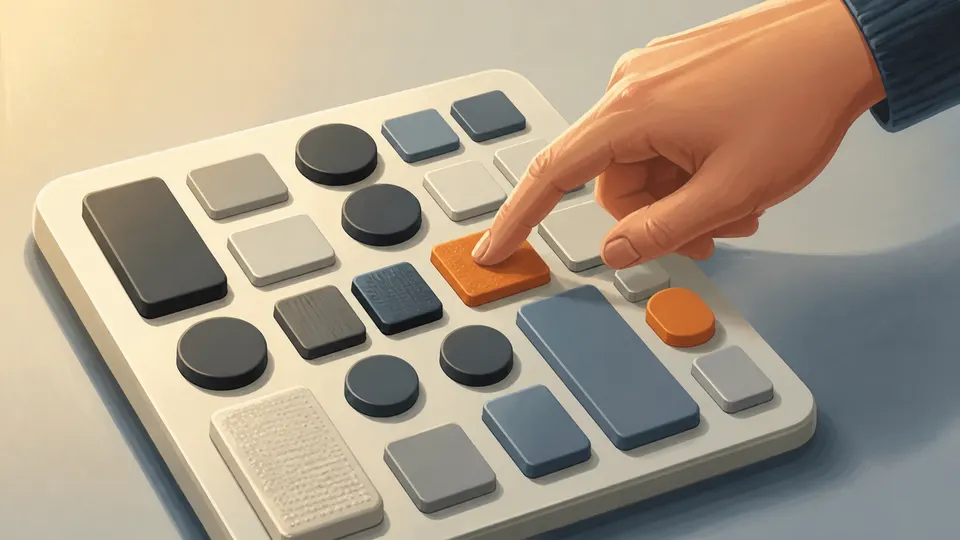
Different keys can carry different physical hints
Raised operator keys, textured function keys, or a larger equals key can help the hand build a map without constant visual checking. That does not mean every calculator must use dramatic shapes. Subtle spacing and contrast can be enough when the sequence is familiar.
Touchscreens remove the physical handshake
A touchscreen can display beautiful calculator keys, but its surface does not naturally tell the finger whether the press registered. The software must replace that missing signal with animation, sound, vibration, or a strongly visible state change. Otherwise the user may tap twice, especially when the result takes time to appear.
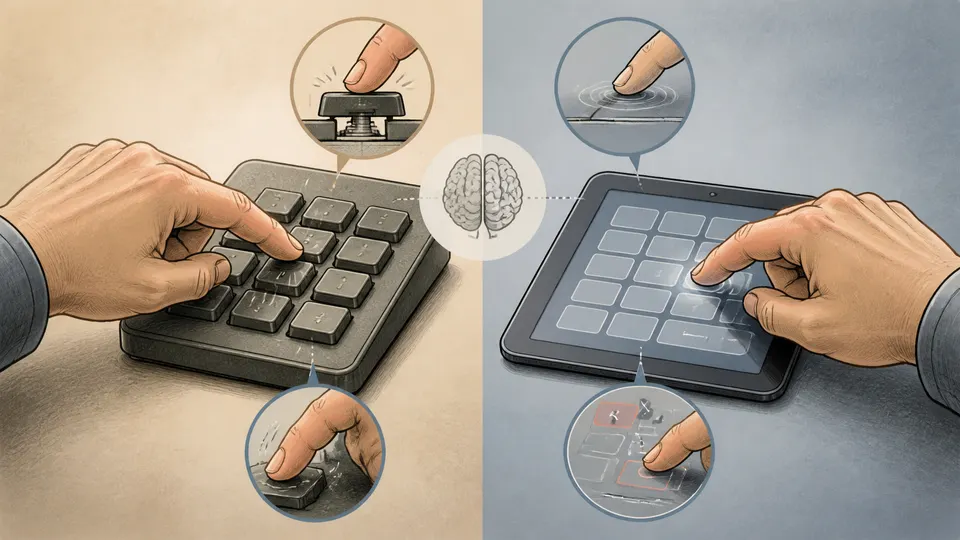
A tactile key tells the hand, “I heard you,” before the calculation tells the eye, “Here is the result.”