Set a calculator to two decimal places and a number suddenly looks official. 4.5 becomes 4.50; a long result becomes a neat price-shaped figure. The extra zero is useful typography, but it is not extra accuracy.
Fixed decimal mode tells the display how many places to show. It may round the visible value and pad short values with zeros. The internal calculation, stored precision, and later operations depend on the model and its rules.
A trailing zero communicates a reporting decision
Writing 4.50 can signal that a price or measurement is being reported to the nearest hundredth. It does not prove that the input was measured to that precision. A calculator display cannot recover detail that was never entered, and it cannot certify the quality of a measurement.
TI manuals describe fixed-decimal settings as display formats that add or round decimal places. Some financial calculators calculate internally with more digits than they display. That is exactly why a displayed value should not automatically be retyped into the next step.
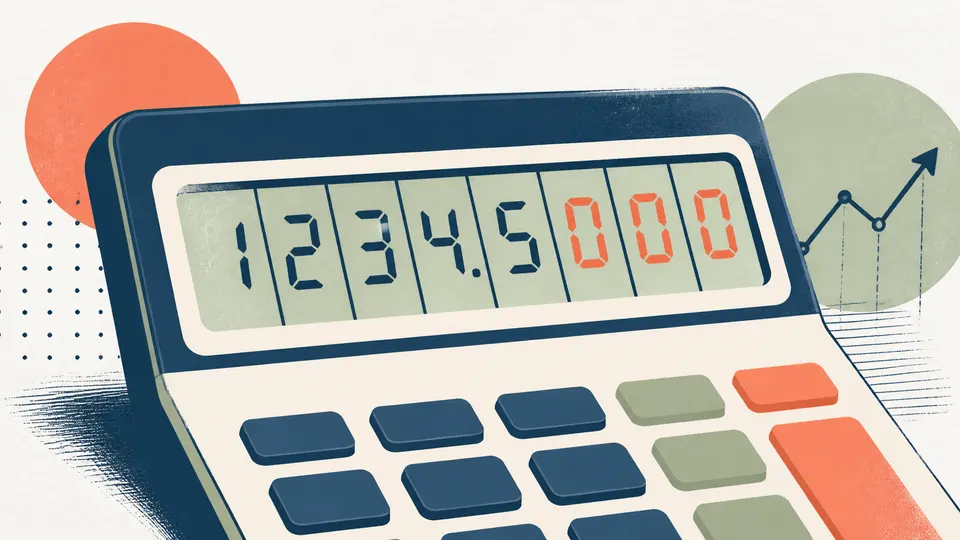
Display rounding and calculation rounding are different choices
If the calculator keeps a longer internal result and only rounds the display, the next operation may use more information than the eye can see. If you manually re-enter the displayed number, you have introduced a second rounding step. Neither approach is universally right; they answer different questions.

The tidy screen can create false confidence
A fixed two-place display is excellent for a receipt and dangerous as a substitute for uncertainty analysis. It makes every result look equally settled. The honest question is not “How many digits are visible?” but “What level of precision does this decision actually support?”

Zeros can make a number easier to read without making the underlying estimate more certain.