The calculator on the desk is still alive after the blinds close.
Its little solar strip is no longer sitting in a bright rectangle of sun. The room has become ordinary: a ceiling light, a window several metres away, the grey side of a notebook. Yet the display remains readable. The trick is less dramatic than the phrase “solar-powered” suggests. The device is designed around a small load and whatever light is available, with a boundary beyond which the display may dim or the calculation may stop behaving normally.
There is no single magic level of light for every model. The useful question is how the power path behaves as the light gets weaker.
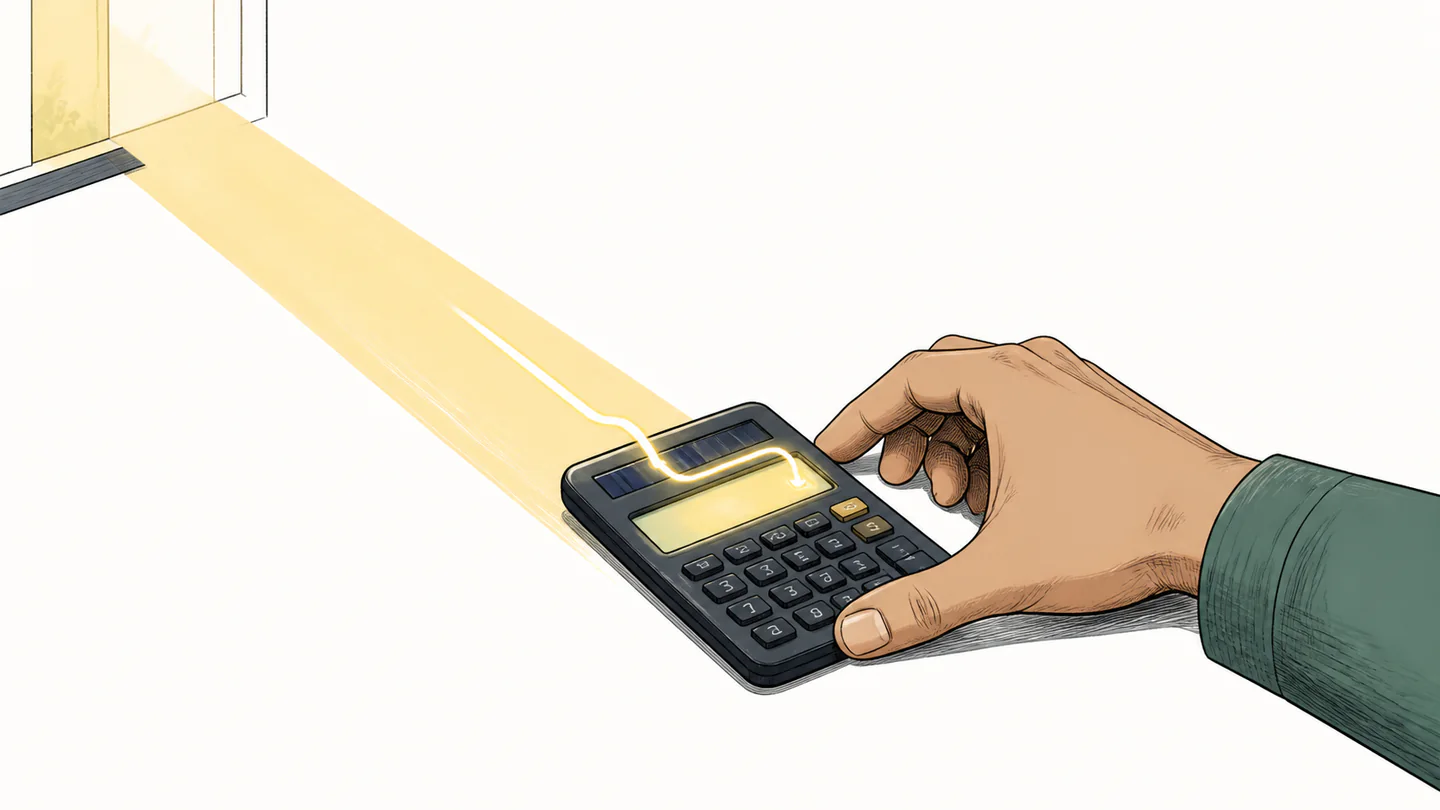
“Solar” describes the source, not a promise of unlimited light
A solar cell converts available light into electrical power. That sentence is simple; the word “available” does the engineering work. Casio’s manual for the fx-82SOLAR and related models specifies a minimum light level of 50 lux for the solar cell to provide power, and warns that low light can make the display dim, make calculation functions impossible, or cause independent memory contents to be lost. That is a model-specific instruction, not a universal law for every solar calculator.
The surprising part is that a calculator is a very forgiving solar load. It does not drive a motor, heat a filament, or keep a radio transmitter running. Its job is mostly to wake a display, scan a keypad, and perform small digital operations. A thin strip of light can be enough when the electronics are frugal and the user is not asking the device to do more than it was designed to do.
The threshold is a change of state, not a cliff in the sky
Move the calculator gradually from a bright patch into a shadow and the experience may change in stages. The screen can lose contrast before the machine stops responding. A result can remain visible while a more demanding calculation becomes unreliable. In some designs, stored state is more vulnerable than the basic display.
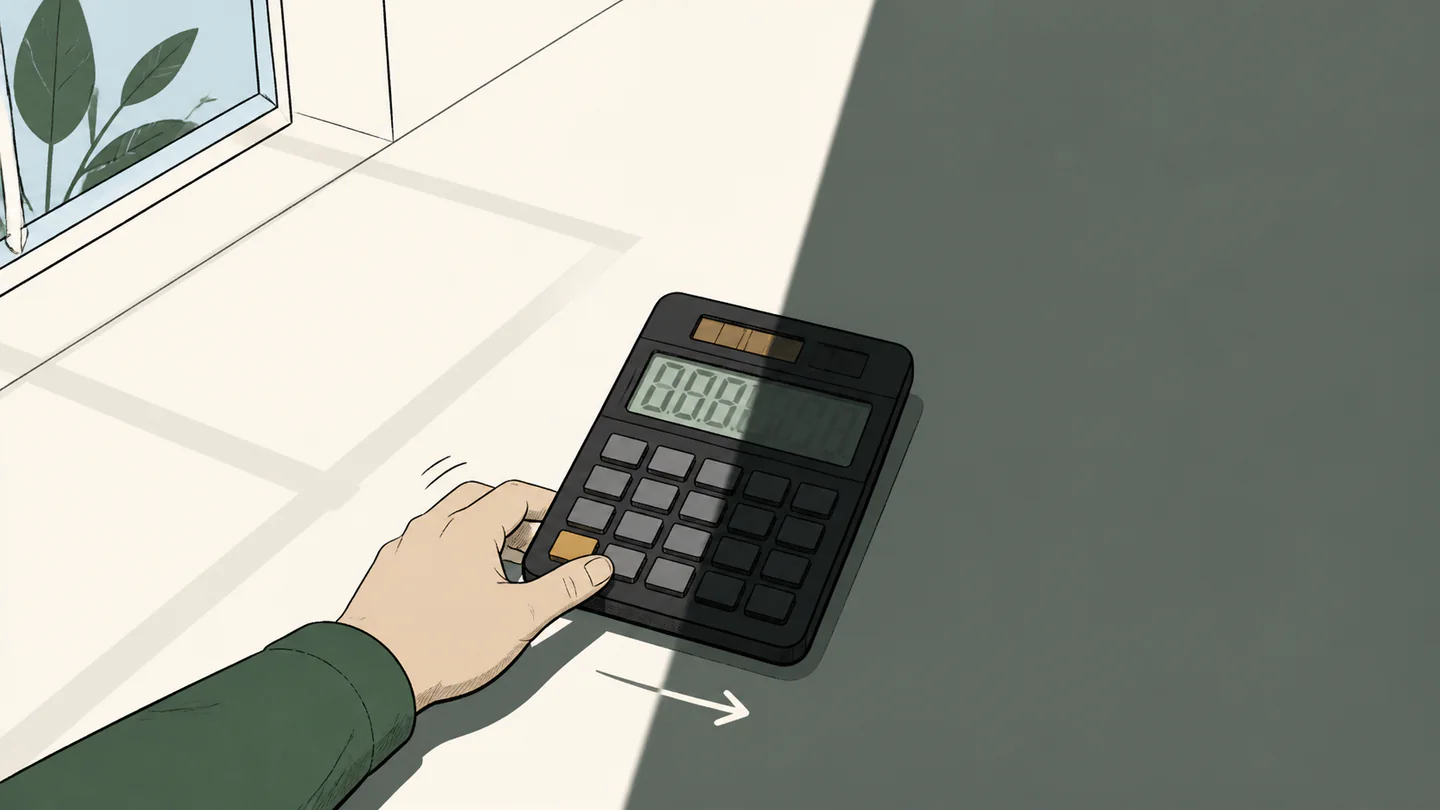
The cell supplies more power than the current task needs.
The display may lose contrast even while the calculator still responds.
Functions may become impossible or stored contents may be lost, depending on the design.
This is why “it worked in the room yesterday” is weak evidence. The relevant variables include where the calculator was placed, the direction of the light, the display technology, the active function, battery condition if present, and the model’s own low-light specification.
A battery can be part of a solar design
Modern scientific calculators often use dual power rather than treating the battery as a defeat of solar operation. Casio describes current dual-powered models as solar with battery backup and auto power-off. The solar cell handles ordinary light when it can; the battery protects continuity when the available power falls short.
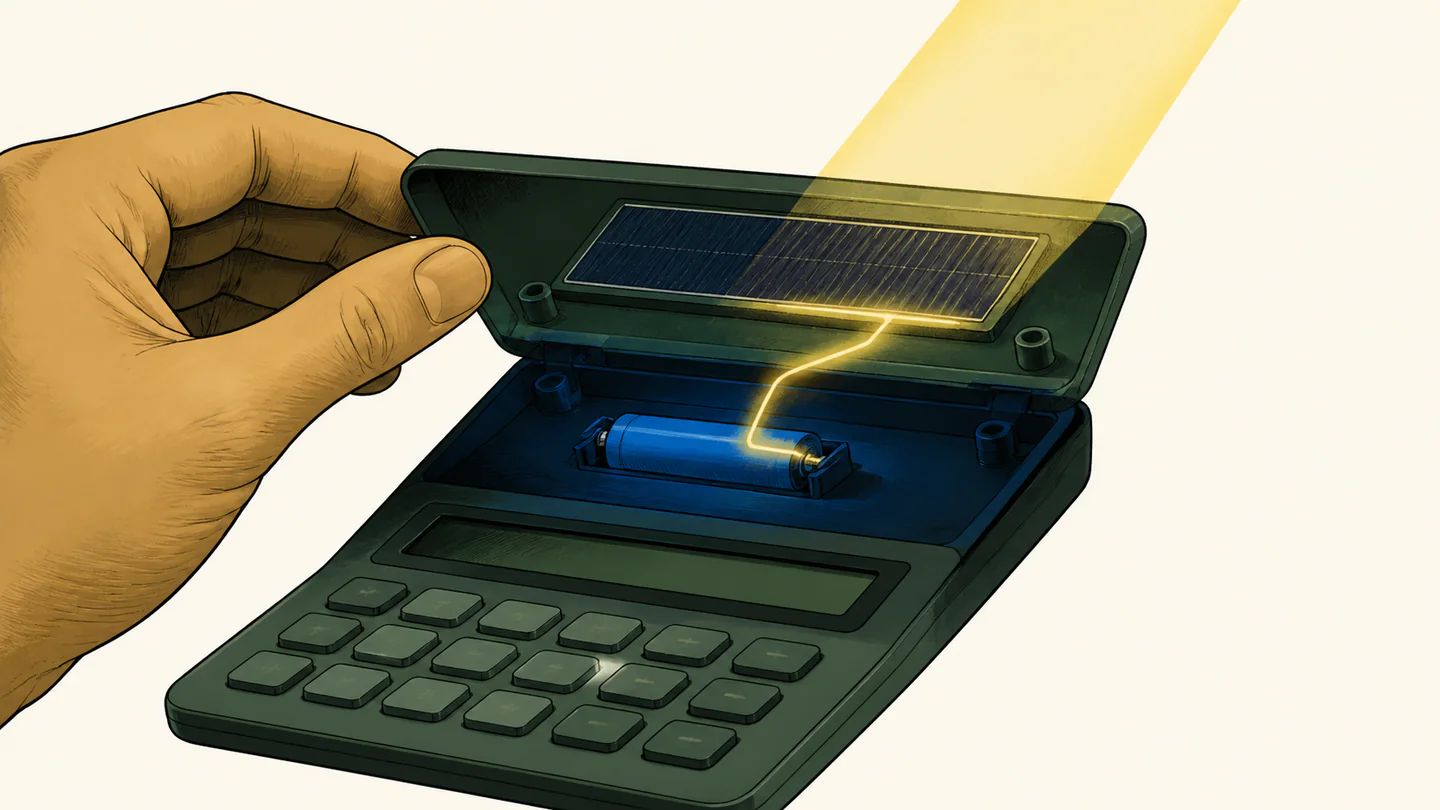
Two ways to design around weak light
| Design choice | Strength | Trade-off |
|---|---|---|
| Solar only | Very low maintenance when the light margin is generous. | Low light can affect display, operation, or stored state. |
| Solar plus battery | More consistent operation across rooms and seasons. | The battery has a finite life and still needs replacement. |
| Auto power-off | Reduces the time the display and logic draw power. | It changes the interaction and can interrupt a paused calculation. |
The clever part of a solar calculator is not that it ignores darkness. It is that the design gives darkness a smaller job to do.
When a solar calculator fades, the right response is practical: move it toward a brighter source, check the manual’s operating boundary, and treat memory or results as untrusted if the model warns that low light can affect them. The ordinary desk is an energy system too; it just happens to be one you usually forget to look at.