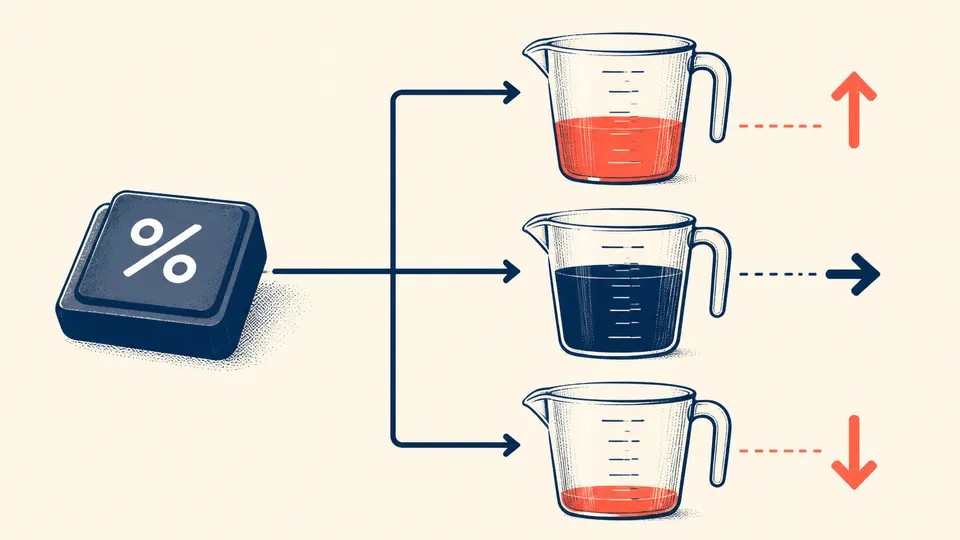
At a cafe counter, 20% can be a tip, a discount, or the answer to a ratio question. The little percent key has no idea which one you mean until it sees the rest of the expression.
That is why two sequences that look almost identical can produce different results. Calculator percent keys are usually designed around familiar shop-floor arithmetic: take a percentage of a base, add it to a base, subtract it from a base, or compare two values. The key is not a universal replacement for /100.
The base is the quiet part of the question
Ask for 20% of 150 and the base is 150. The calculation is 150 x 20 / 100, so the result is 30. Ask to increase 150 by 20%, and the same percentage becomes an addition to the base: 150 + 30 = 180.
The screen may show only the final number, but the input grammar has already decided which number is the reference. Casio manuals document separate patterns for percentage, ratio, premium, discount, and rate-of-change calculations. That is an interface choice, not a mathematical law.

Why pressing percent is not the same as typing /100
If you type 150 x 20 / 100, you have written an explicit fraction. A percent-aware calculator may instead rewrite the current expression in a way that preserves the base value for a later addition or subtraction. That difference is useful for a till, an invoice, or a quick estimate, but it can surprise anyone expecting a strict algebra editor.
A good habit is to name the base aloud
Say “20% of 150” rather than “150 times 20 percent” when teaching or checking the calculation. Say “150 increased by 20%” when the original amount must remain visible. The words expose the reference number, which is exactly the hidden decision the key has to make.
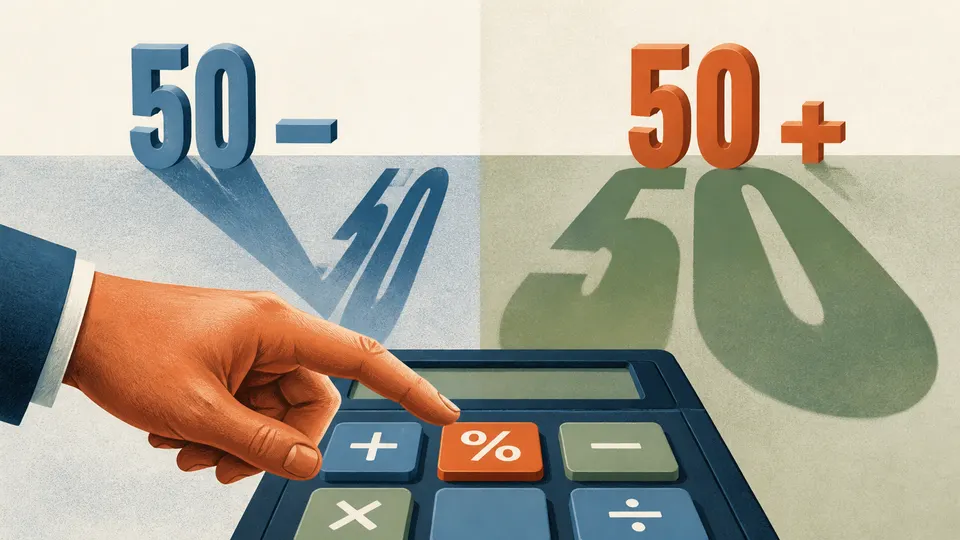
The percent sign is small; the base it refers to is the real headline.