The calculator says 5 cm equals a certain number of inches, but the useful part is hidden. Somewhere inside the menu is a conversion factor, a direction, a unit category, and a rule about which source and target are allowed.
The conversion key is therefore a miniature reference book with a very small table of contents.
A conversion is a relationship, not a universal button
Length, mass, pressure, temperature, and energy do not share one generic formula. Some are simple scale factors. Temperature conversion includes an offset as well as a scale. Pressure and energy use their own physical definitions.
Casio’s unit-conversion manual groups commands by category and states that its conversion formula data are based on NIST Special Publication 811. The menu is a curated set of reference relationships, not an invitation to mix any two labels.
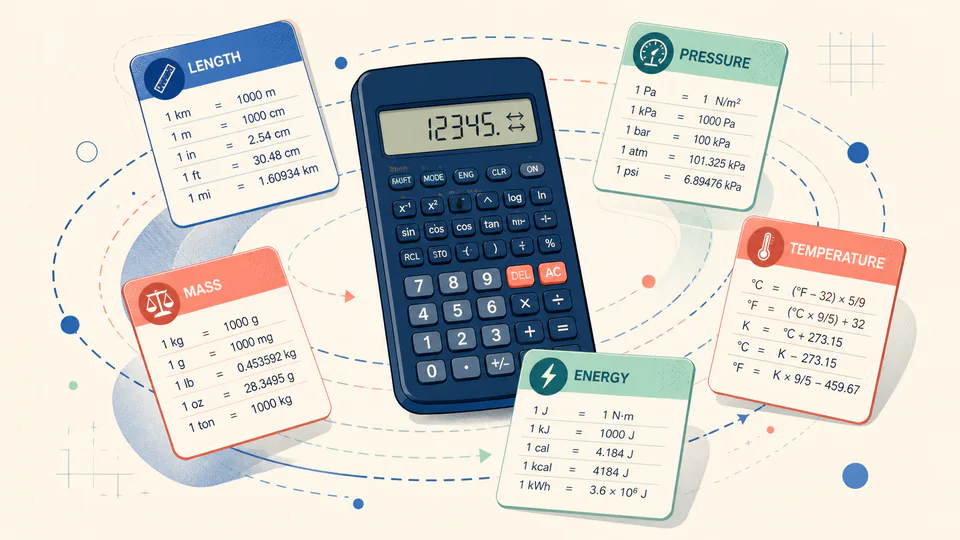
The formula can be a scale or a map
For centimeters and inches, a factor can multiply one value into the other. For Celsius and Fahrenheit, the origin moves as well as the scale. The interface may look the same, but the mathematics behind the menu item differs.
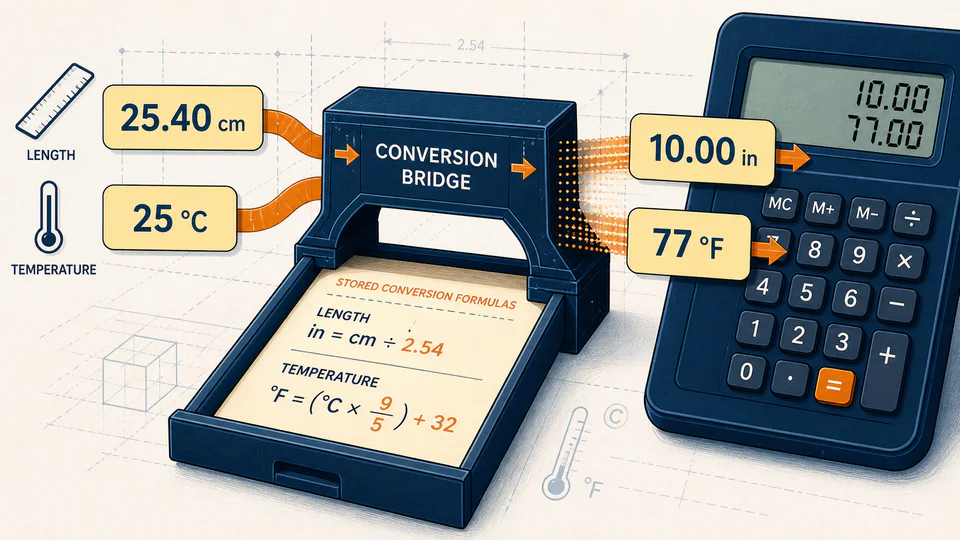
The direction is part of the command
cm to in is not the same command as in to cm. A good conversion menu makes the source and target visible so the user can see which direction has been selected. It also limits the list to conversions for which the calculator has defined data.
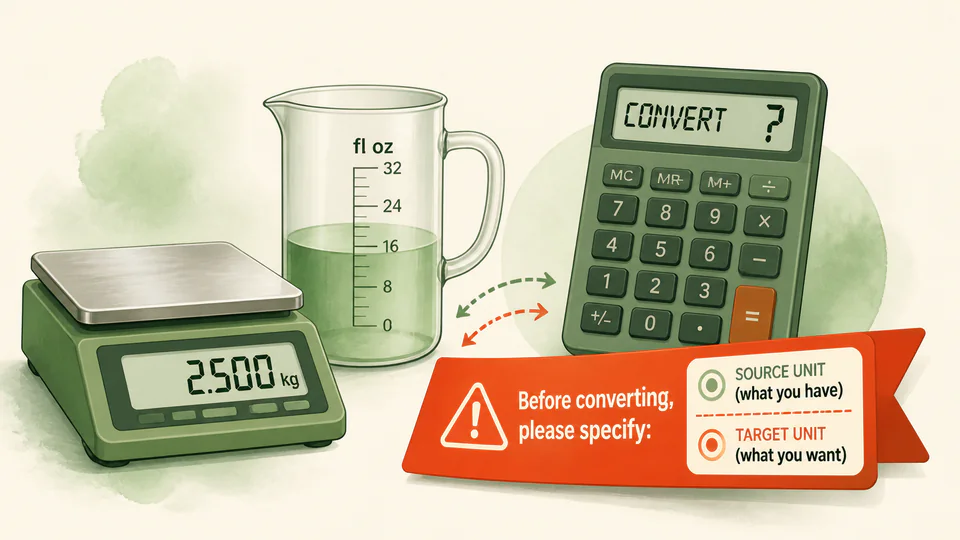
A conversion key is a reference table disguised as a shortcut.