The zeros in 0.00420 are not all doing the same job. Some locate the decimal point. One of them records measured precision. A calculator in SCI mode has to tell those roles apart before it can decide how many digits to show.
Significant figures describe the meaningful resolution of a number. They are a communication rule for measurements, not a claim that the calculator has performed a more accurate computation.
Scientific notation makes the count visible
In scientific notation, the digits in the coefficient are significant and the power of ten sets the scale. A display of 1.230 x 10^3 communicates four significant figures; the exponent does not add another meaningful digit.
Casio distinguishes FIX, SCI, and NORM settings. In SCI mode, the chosen number controls significant digits in the displayed result. That is different from fixed decimal mode, which counts positions after the decimal point.

The input carries information the calculator cannot invent
Entering 2.0 and entering 2.000 are different signals in a measurement context, even though they represent the same mathematical quantity. The extra zeros tell a reader how finely the value was recorded. If the original measurement was only known to the nearest unit, displaying six digits after a calculation does not restore lost certainty.
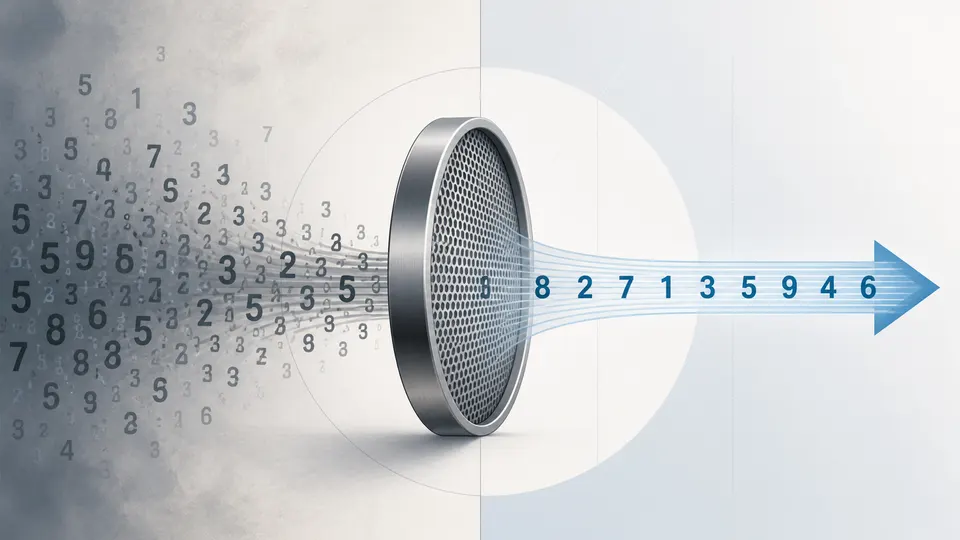
Resolution and accuracy are different words
A calculator may show ten significant digits while the sensor, ruler, or survey behind the input supports far fewer. Resolution describes how finely a value is represented; accuracy describes how close it is to the quantity being estimated. A display setting can control the first and prove neither the second nor the third.

A calculator can count digits. It cannot decide which digits your measurement earned.