The red word appears just after you press the key you were most confident about.
On a calculator, ERROR can feel like a slammed door. But the machine is usually saying something narrower: this input crossed a particular boundary. Maybe the expression is malformed. Maybe a function received an argument outside its domain. Maybe the result is too large, or the internal stack is full. “Error” is the headline; the useful information is the category underneath it.
That distinction matters because the repair depends on the boundary. A syntax problem wants a correction to the expression. A domain problem wants a different argument. An overflow wants a smaller scale, a different representation, or a staged calculation. Clearing the screen is sometimes the right first move, but it is not an explanation.
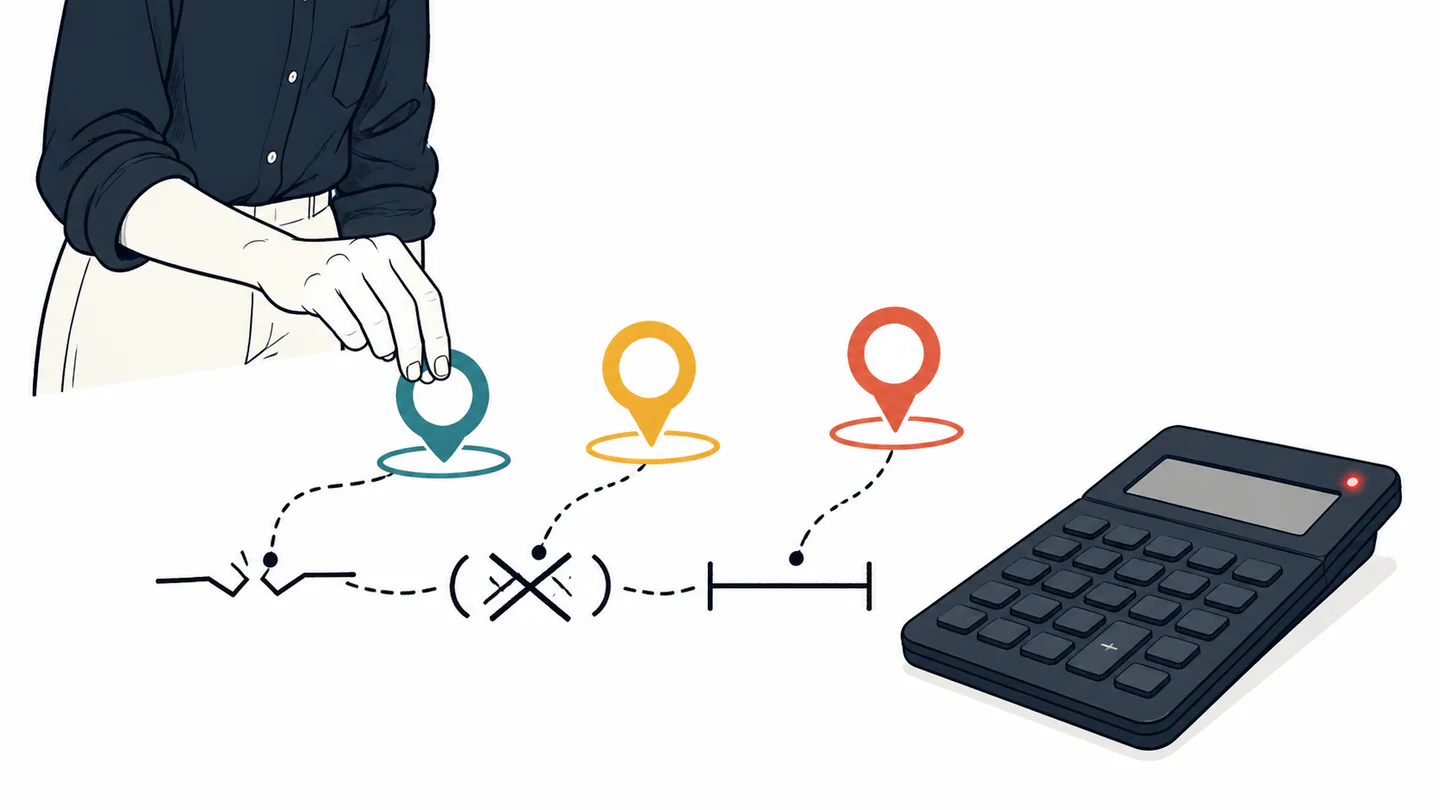
“Error” is a family name
Calculator manuals do not all use the same vocabulary, but their categories rhyme. Casio documents Math ERROR, Syntax ERROR, Stack ERROR, and Argument ERROR. Texas Instruments documents errors such as DOMAIN, DIVIDE BY 0, OVERFLOW, SYNTAX, and EQUATION LENGTH ERROR. The labels differ because the machines and software differ; the underlying design problem is shared.
The expression is shaped incorrectly: a missing argument, misplaced parenthesis, or invalid command sequence.
The operation exists, but this input is outside the function's allowed mathematical territory.
The value or intermediate result is too large, too small, or otherwise outside the calculator's representable range.
The calculation asks the numeric or command stack to hold more pending structure than the model allows.
The categories are useful because they separate “I typed the wrong thing” from “the machine cannot represent this thing in its current form.” Those are different problems, even when both end with the same small word on the display.
Read the message as a diagnosis
| Message family | What crossed the boundary | First repair |
|---|---|---|
| Syntax | The form of the expression | Return to the marked location and repair the sequence. |
| Domain | The argument's valid mathematical range | Check the function and replace the argument with a valid one. |
| Overflow | The result or intermediate value's magnitude | Rescale, split the calculation, or use a suitable notation. |
| Stack or length | The amount of pending expression state | Use parentheses deliberately and divide the work into steps. |
The location of the error is part of the message
Some calculators do more than announce failure. Casio’s guide describes returning to the calculation screen with the cursor positioned at the location where the error occurred. That small interaction changes the emotional shape of the problem. You do not have to reconstruct the entire expression from memory; the machine points back to the place where its parser or evaluator stopped.
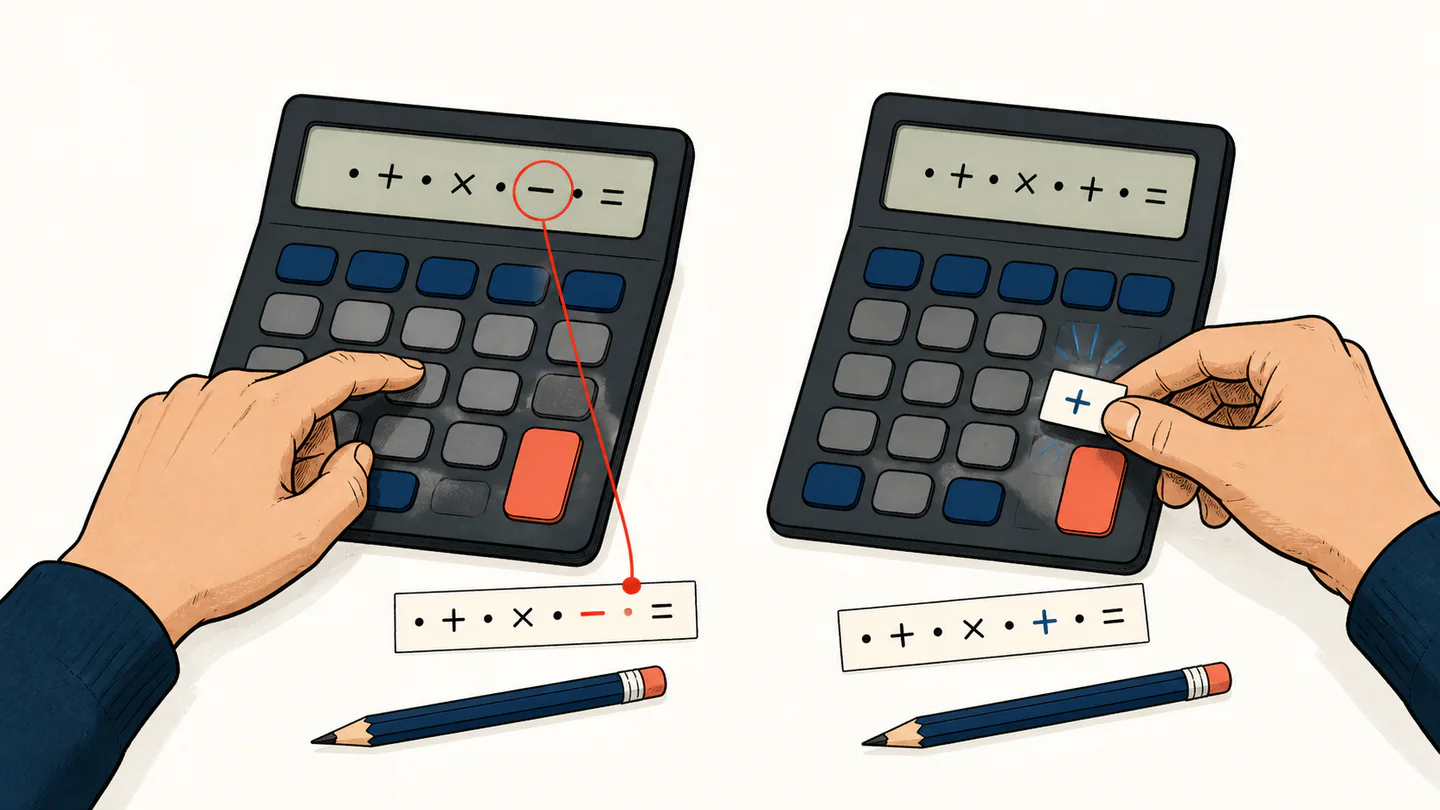
Numbers, operators, functions, and separators form a candidate expression.
The calculator tests syntax, arguments, range, and available internal capacity.
The error screen or cursor identifies the layer that rejected the work.
You change the relevant input instead of guessing at unrelated keys.
That is a quiet but important interface principle: recovery is part of computation. A machine that can identify the failure but cannot help you return to the cause is technically informative and practically frustrating.
A long expression can hit a capacity limit
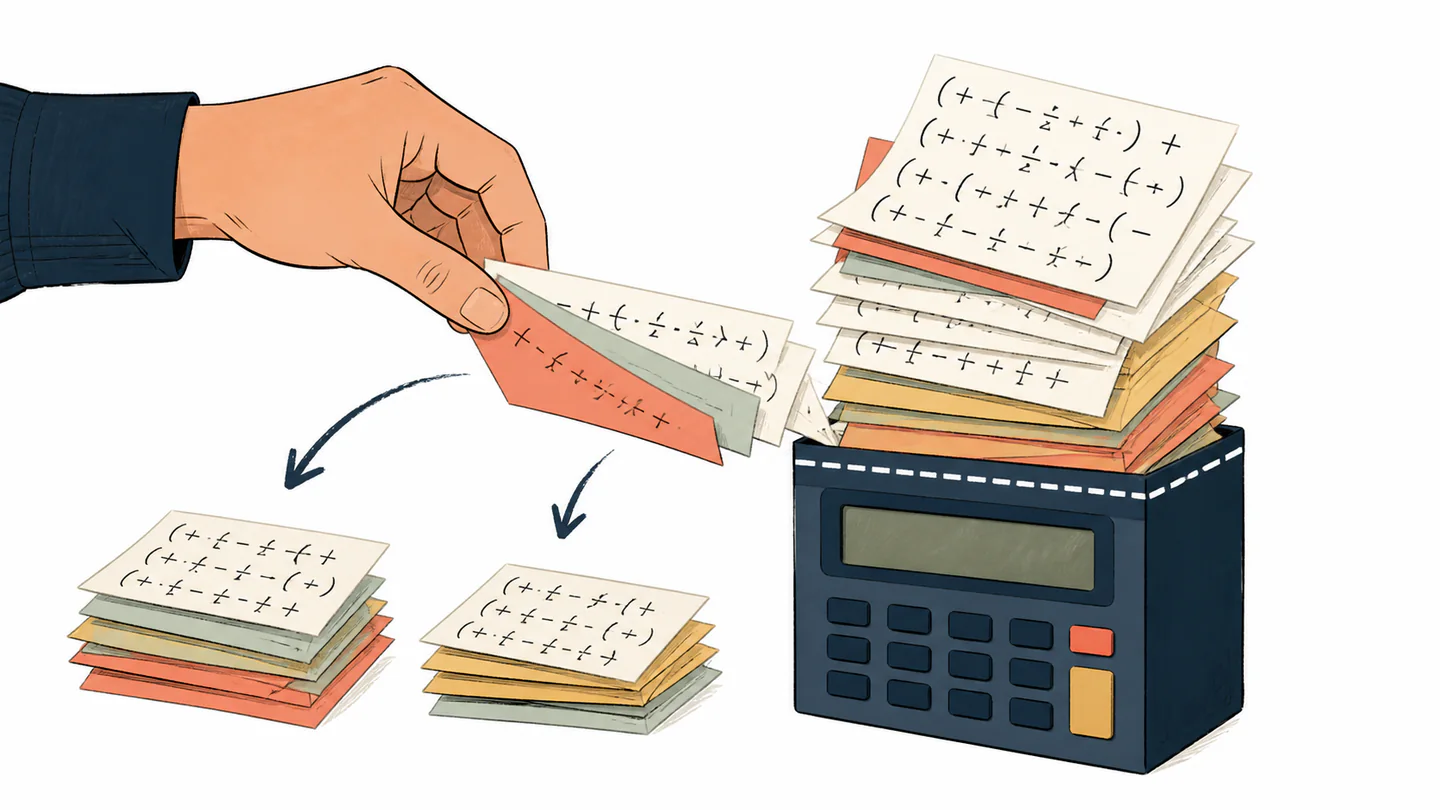
The stack is an easy boundary to misunderstand because nothing looks mathematically impossible. A long expression can be perfectly meaningful and still ask the calculator to keep too many pending operations, nested parentheses, or values in working memory. Casio describes Stack ERROR in terms of numeric or command stack capacity; its manuals recommend simplifying or splitting the expression.
Three questions before pressing clear
- What kind of boundary is this? Read the full error label, not only the word “error.”
- Can the machine show the location? Use the cursor or return action before erasing the expression.
- What is the smallest repair? Change the argument, scale, symbol, or calculation length that caused the message.
A calculator error is a small piece of systems documentation delivered at the moment you need it.
The best response to an error is therefore not always “try again.” It is “identify the boundary, then choose the repair that belongs to it.” That habit turns a mysterious red word into a map of what the calculator can and cannot do.