The number 44% looks close to 40%. Whether the change is “4%” or “10%” depends on what is being compared. This is not a calculator glitch. It is two different measurements wearing similar language.
Percentage points measure the direct gap between two percentages. Percent change measures that gap relative to the starting value. A calculator can produce both in seconds, but it cannot choose the reference population for you.
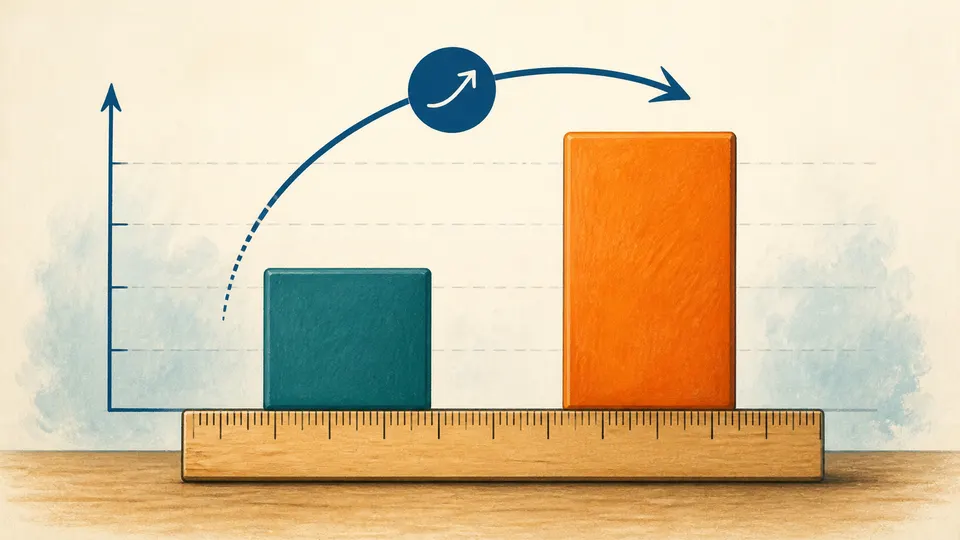
Percentage points are a ruler between rates
If a survey response rises from 40% to 44%, subtracting the old rate from the new rate gives 4 percentage points. The unit is already “percentage points,” so writing “4%” can make the result sound like a relative change when it is not.
This language is useful for rates, shares, pass percentages, interest rates, and probabilities. The calculation is simple: new percentage minus old percentage. The interpretation is not optional; it tells the reader what the number measures.

Percent change needs a denominator
Relative change divides the difference by the old value. That denominator is the quiet source of the 10% result: four points is one tenth of forty. If the starting rate were 20%, the same four-point rise would be a 20% relative increase.
The same arithmetic means different things in different fields
A four-point rise in an approval rate is not the same kind of claim as a four-percent increase in a price. The calculator only handles the arithmetic. The article, report, or dashboard must name the measure, the time period, and the baseline.

When a percentage is the thing being measured, “points” and “percent” are not interchangeable labels.