Press the square root key for 21 and the calculator returns 4.582575… before your finger has quite left the plastic. That speed makes the operation look like a lookup: somewhere inside the machine, perhaps, there is a shelf labeled sqrt(21).
There is no shelf. There is a procedure.
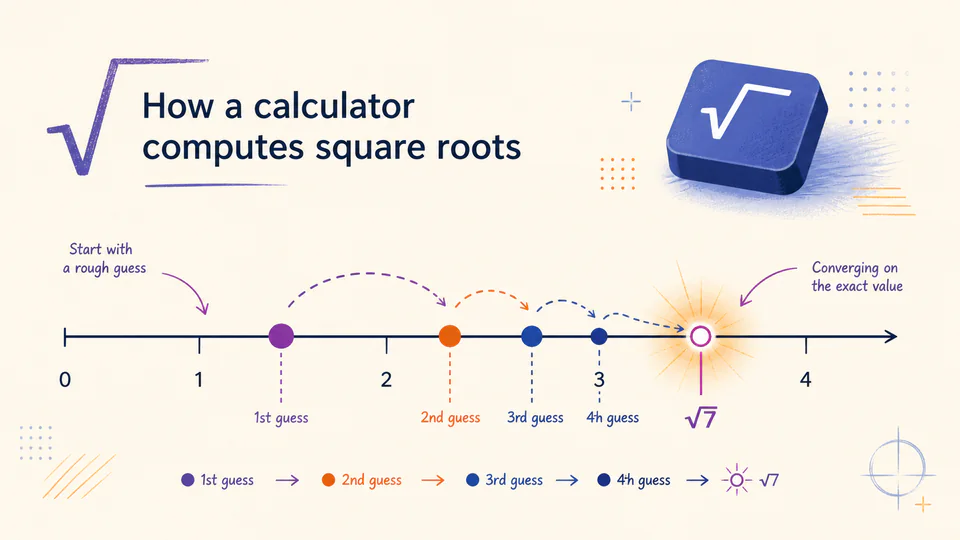
The exact procedure depends on the hardware and software. Numerical libraries may use different combinations of approximations, transformations, and correction steps. But the useful idea is simple enough to do by hand: start with a guess, compare it with the number you want, and make a better guess.
A square root is an agreement between two numbers
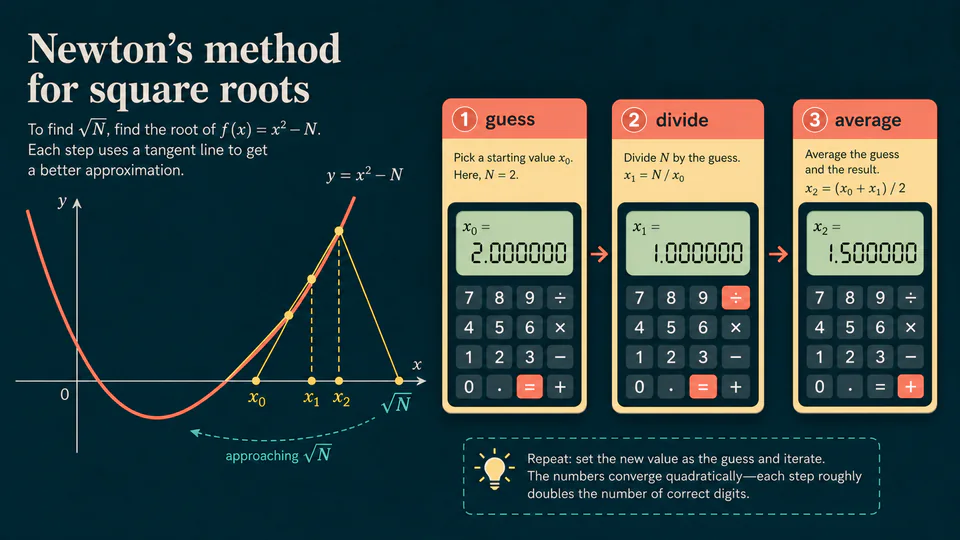
To find the square root of N, we want a number x whose square is N. If our current guess is x, then N / x is the number that would pair with x to make the product N. When the guess is too small, the quotient is too large. When the guess is too large, the quotient is too small.
The next estimate can be made by averaging those two competing numbers:
This is the classic Newton or Heron-style update for a square root. Stanford’s numerical methods notes derive the same iteration from Newton’s method applied to x^2 - N = 0. The formula is not the only possible implementation, and this article does not claim that every pocket calculator uses this exact loop. It is a clear window into the kind of repeated improvement a calculator can perform.
One example, without the magic
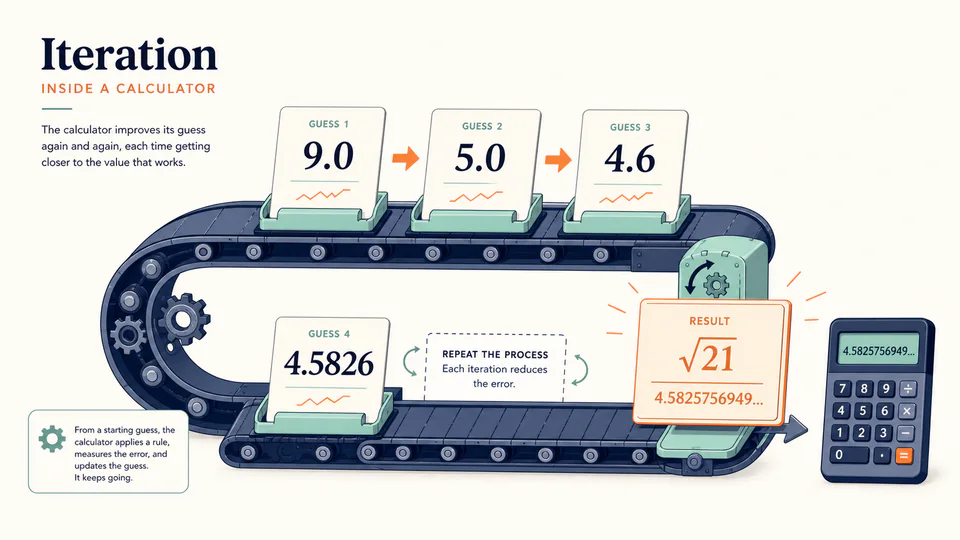
Take N = 21 and begin with the deliberately rough guess x = 5.
5.0000005 is a little high because 5 squared is 25.4.600000the quotient 21 / 5 pulls the average downward.4.582609the correction is now much smaller.4.582576the next change is tiny at ordinary display precision.The astonishing part is not that the first guess is good. It is that the error collapses so quickly after the loop begins. A calculator can repeat the same arithmetic while keeping more internal digits than it chooses to show.
The machine still needs a stopping rule
An approximation loop cannot run forever just because more digits might exist. It needs a practical definition of “close enough.” That may involve the difference between two successive estimates, the size of the remaining error, the available internal precision, or a fixed number of correction steps.
The stopping rule is part of the answer. If the display is set to a few decimal places, the calculator may have enough confidence long before the user could see any further improvement. If the result is being used inside another calculation, hidden guard digits and rounding rules become more important than the pretty number on the screen.
There is a wider lesson in the radical key. Many calculator operations that look like single acts are compact interfaces for procedures: approximate, correct, compare, and stop. The button is small because the loop is hidden, not because the problem is simple.
A square root key is a very fast conversation between a guess and its correction.