Type 1 / 7 and the calculator has to make a small editorial decision.
The mathematical answer does not finish. The screen does. It might show 0.142857, switch to scientific notation, or follow a fixed-decimal setting chosen earlier. Behind that short display, the machine may retain more digits for later work. A calculator does not run out of mathematics at the edge of the screen; it runs into several different limits that users often flatten into the single phrase “not enough digits.”
The difference is worth seeing because display, internal precision, and calculation range answer three different questions.
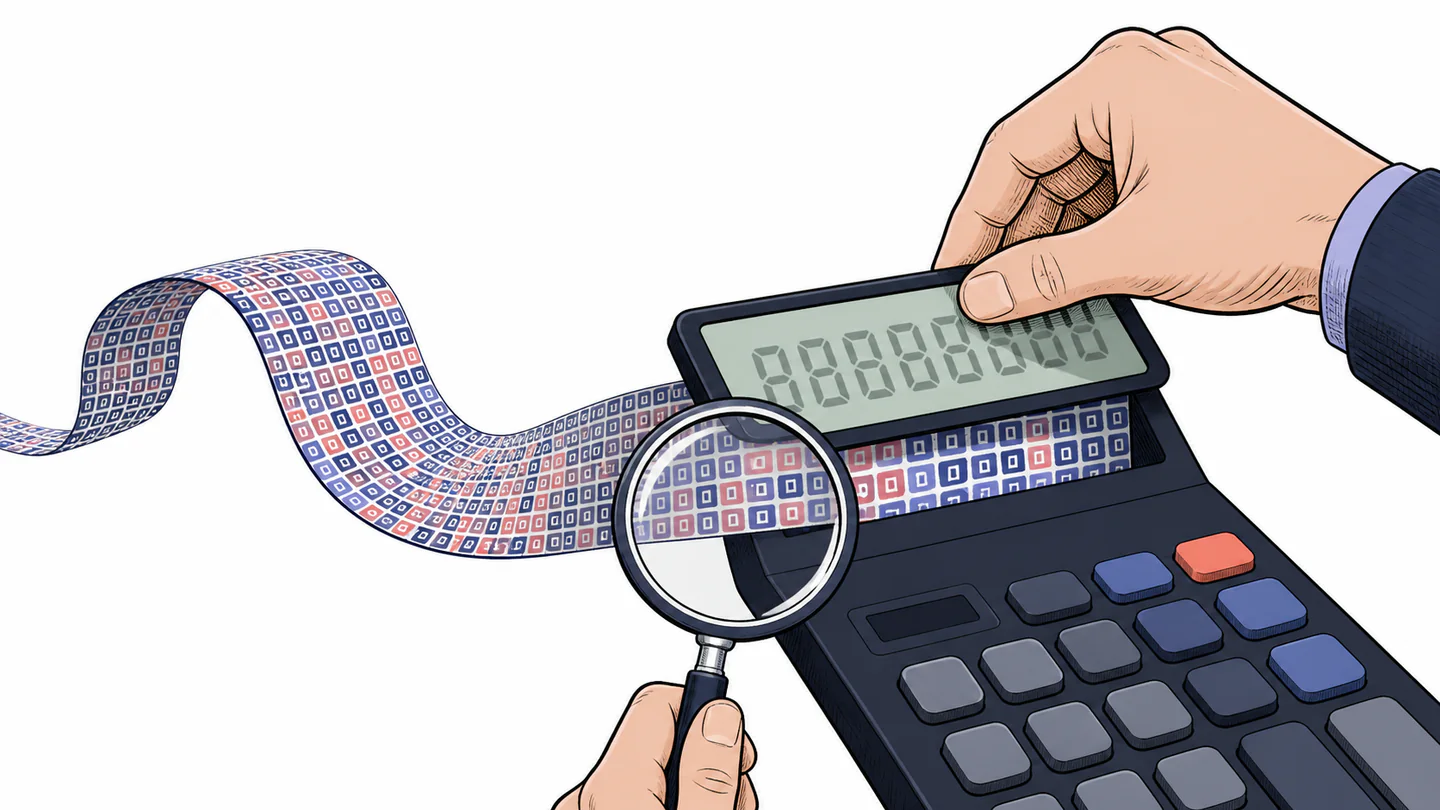
Three ceilings hide behind “precision”
Casio’s technical documentation separates the number of digits used for internal calculation, the precision of a calculation, and the range of values the calculator can represent. On one ClassWiz family, for example, the manual lists 15 internal digits and a range from roughly 1 x 10^-99 to 9.999999999 x 10^99, with model-specific details and cumulative error in consecutive calculations. Those numbers are specifications for that family, not a promise about every calculator.
How many decimal places or significant digits the user sees.
PresentationHow many digits the machine keeps for a calculation before rounding or representation rules intervene.
ComputationHow large or small a value can become before the calculator reports overflow or another error.
RepresentabilityThe first ceiling can change without the second changing. A Fix setting may show three decimal places while the machine maintains a longer internal value. The third ceiling is different again: scientific notation can make a large or small number easier to display, but it does not make an out-of-range number suddenly representable.
What the common display choices actually change
| Setting | Controls | What it does not prove |
|---|---|---|
| Fix | A chosen number of decimal places | That the internal value has only those decimals. |
| Sci | A chosen number of significant digits | That the calculation became more accurate. |
| Norm | When results switch between ordinary and exponential display | That the value crossed the machine's calculation range. |
Rounding can become a new input
The quiet danger is not that a calculator rounds what it shows. The danger is assuming that every displayed rounding is immediately fed back into the next calculation. Casio documents a useful contrast: with a fixed display setting, 10 / 3 x 3 can display as 10.000 while the calculator maintains a longer value internally; explicitly applying its Rnd function makes the rounded value part of the subsequent operation, producing 9.999 in the documented example.
That is not a contradiction. It is two different instructions. “Show fewer digits” is a display request. “Round the value now” is a calculation request.
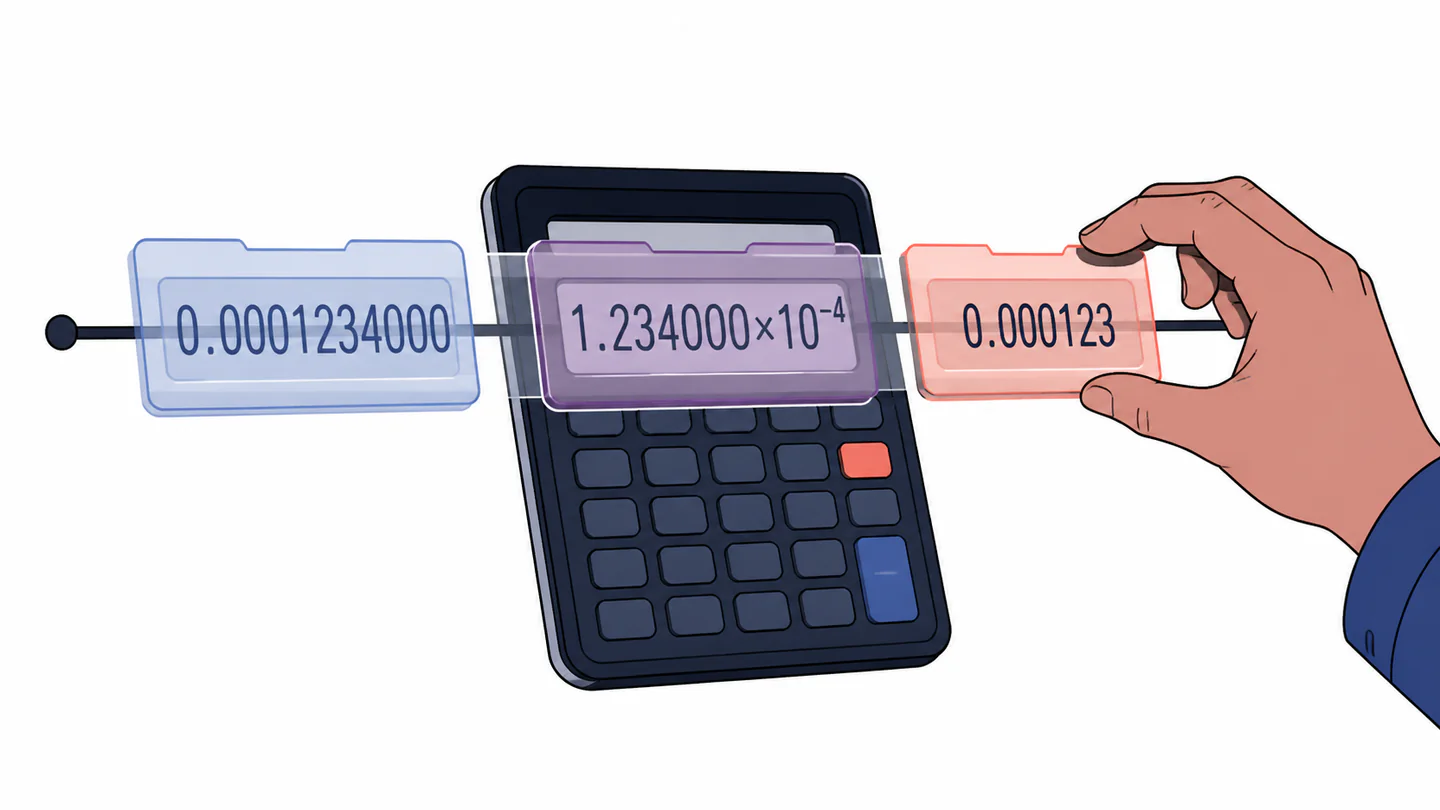
The screen becomes shorter, while the working value may retain extra digits.
The rounded result becomes an intentional input to the next operation.
Was the number reformatted, or was the number itself replaced?
Scientific notation is a change of address
Scientific notation is often treated as the calculator waving a white flag. It is closer to a change of address. Instead of writing every zero, the calculator writes a coefficient and an exponent. Casio’s manuals describe Norm settings that choose when ordinary results switch into exponential form, while Sci settings choose significant digits for the display.
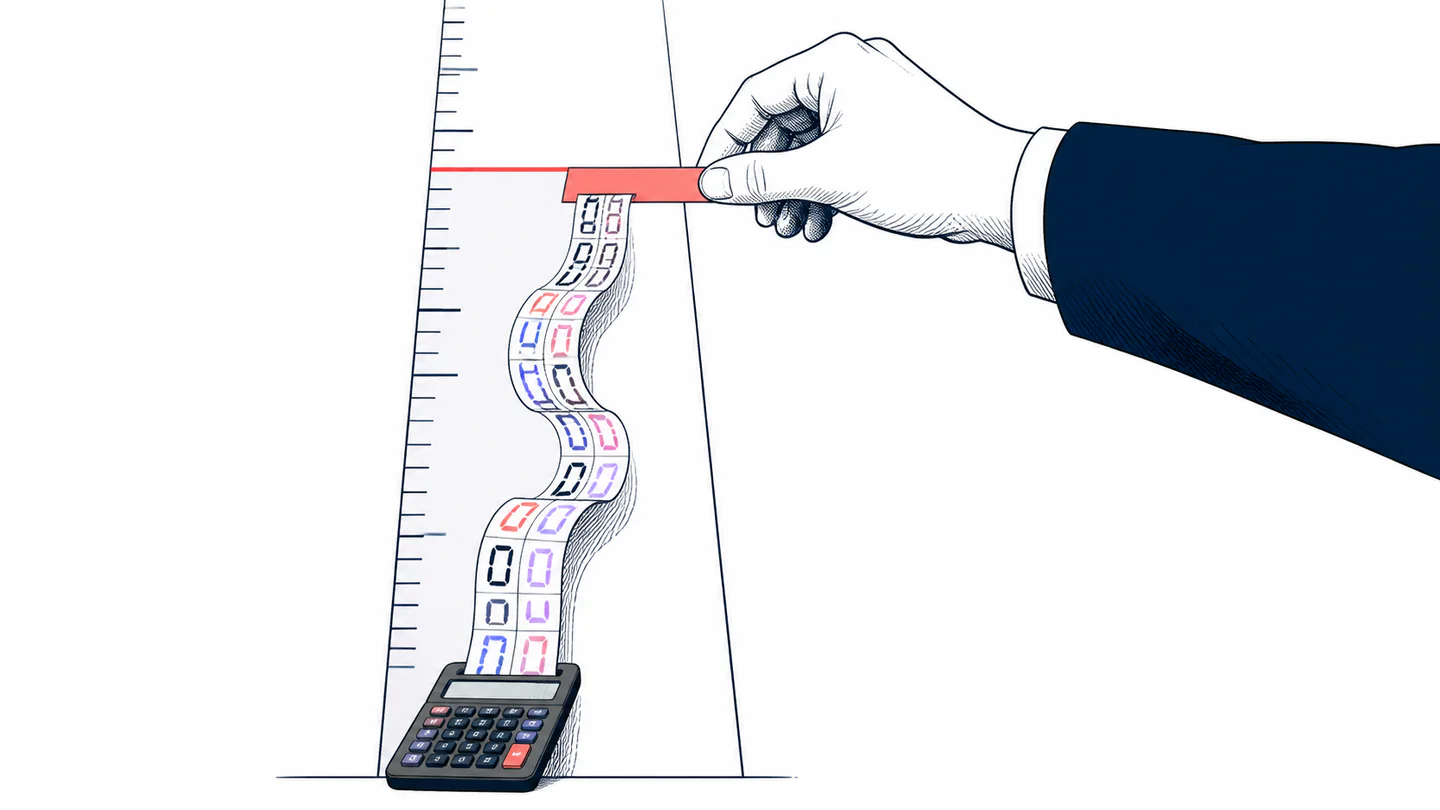
Three checks before blaming the calculator
- Check the display mode. Fix, Sci, and Norm can change the visible form without changing the question.
- Check whether rounding was explicit. A rounding command is not the same as a display preference.
- Check the model's range. If the value crosses the documented range, the problem is representability, not merely a crowded screen.
A short answer is not automatically a less accurate answer. Sometimes it is only a smaller window onto a longer calculation.
The practical habit is to separate reporting from computing. Use the display setting that makes the result readable, but record when a rounded value becomes a deliberate input. A calculator does not “run out of digits” in one single way; it changes how it can show, keep, or represent a number.