The difference between C and CE becomes useful at the exact moment a calculation goes wrong. You type 240, press divide, and enter 12 when you meant 21. The bad number is local: the division and the first number are still fine. CE can remove the 12 and leave the rest waiting. C can throw away the entire working state.
That is why the two keys are not duplicate versions of “delete.” They answer two different questions: which part of the calculation is wrong, and how much of the work should survive? Once you see the mistake as a location rather than a vague failure, the choice becomes much less mysterious.
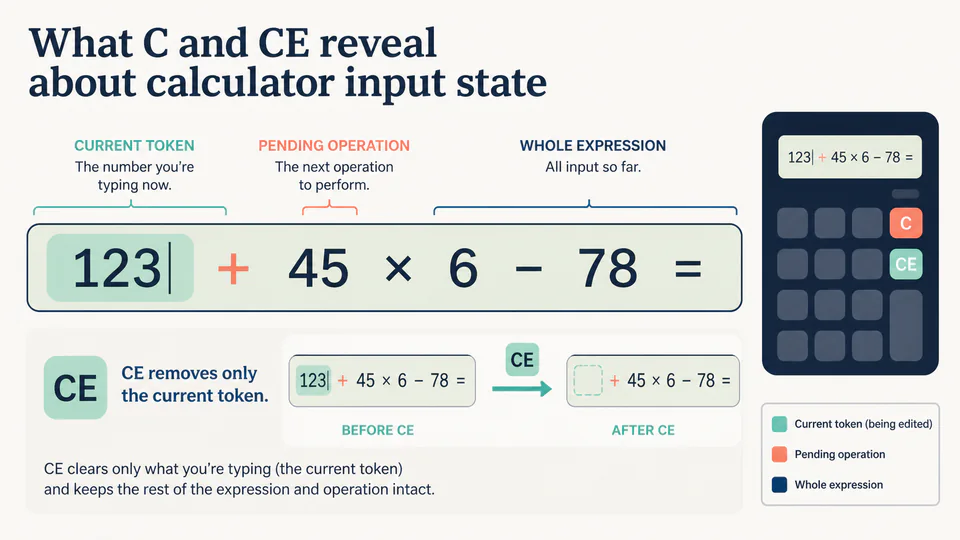
A calculator is holding more than the visible number
Even a basic four-function calculator can be tracking several pieces at once:
- a current entry, such as the
12under your finger; - a pending operation, such as divide;
- earlier values or a partially evaluated expression;
- sometimes a completed answer waiting for the next command.
The display is only a window onto that state. It may show the current number while the machine quietly remembers what should happen next. CE is aimed at the current entry. C is aimed at the broader working state.
The useful case: one wrong number
Imagine this sequence:
The important moment is not the button label. It is the boundary between 12 and everything before it. The first number and the division still express the question you intended to ask. Only the current entry needs repair.
| What you have entered | What is wrong | Sensible first move | Why |
|---|---|---|---|
240 ÷ 12 | Only 12 | CE, then 21 | Keeps the division and 240 in place |
240 ÷ 12 | The division should have been multiplication | Reset or edit the operator, depending on the model | The error is not confined to the current number |
240 ÷ 12 | The whole question was a false start | C | Rebuilding is safer than trusting hidden state |
The table is more useful than memorising “CE means clear entry.” It gives the key a job: use the smallest correction that still leaves a truthful calculation.
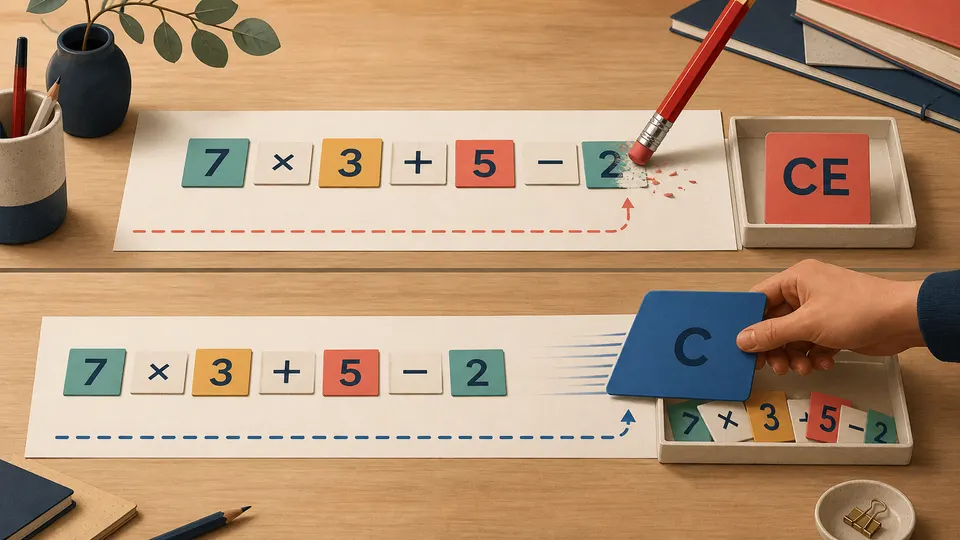
The exact behavior varies by calculator family, but the design principle is stable: editing a token is a different action from resetting a calculation. A local mistake deserves a local correction.
CE is an edit operation, not a time machine
CE does not rewind the machine to a previous photograph of the display. It issues a new command against the current input state. In a simple immediate-execution calculator, that may look like removing the last number. In an expression-entry calculator, it may remove the current token while the rest of the expression remains available for editing.
This distinction matters when a user expects an undo button. CE is usually not a general undo history. If you typed the wrong operator, accepted the wrong result, or moved too far through a multi-step expression, CE may no longer be enough. The safest response is to inspect the expression and decide whether the mistake is local or structural.
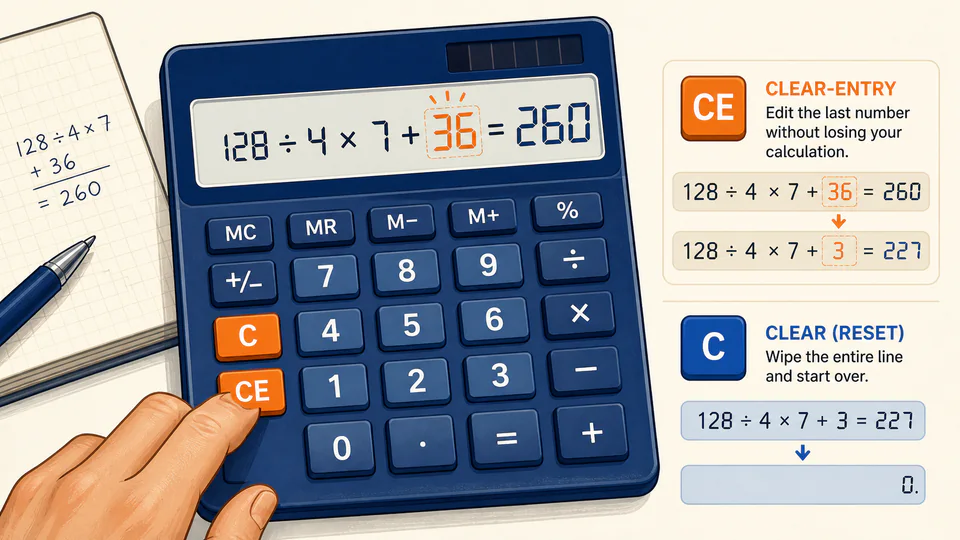
When C is the honest choice
Use C, AC, or CLR when the calculation itself needs to be abandoned. That includes a wrong operator, a wrong earlier value, a failed attempt that has become hard to read, or any situation where you are no longer sure what the machine is holding. Starting again is not inefficient if it prevents a plausible-looking answer from carrying hidden mistakes.
Some calculators label the broad reset C, AC, or CLR. Some use CE for clear entry; others expose an equivalent through a backspace key or an on-screen editing command. A manual’s naming is part of the model’s input grammar, so do not assume that every clear-looking button has identical scope.
A practical rule for the next mistake
Before pressing anything, point to the part that is wrong.
- If only the number currently being typed is wrong, try CE or backspace.
- If the operator or an earlier value is wrong, edit the expression if the model allows it; otherwise use C and re-enter it.
- If you cannot explain what the display represents, reset and start again.
That rule prevents two opposite errors. Pressing C for every typo wastes correct work. Pressing CE when the entire expression is wrong creates a calculation that looks repaired but is not. The useful skill is not memorising the buttons. It is knowing the size of the mistake.