Put the same expression into two calculators and you may see two different answers. One displays 14; another displays 20. One shows 0.3; a programming console reveals 0.30000000000000004. A trigonometric result that looks sensible on one device becomes nonsense on another.
The unsettling part is that neither machine must be defective. A calculator is not only an arithmetic engine. It is a collection of decisions about notation, operation order, number representation, precision, rounding, and display. Different decisions can be reasonable—and visible at exactly the wrong moment.
The display is not the number
When a calculator shows 0.1, it presents a compact human-readable representation. Internally, many digital systems store numbers as binary fractions. Some decimal fractions fit binary perfectly: 0.5 is one half, and 0.125 is one eighth. But 0.1 repeats forever in base two, much as one third repeats forever as 0.333... in base ten.
A finite machine must stop somewhere. It stores the nearest available binary value, then normally rounds the display back to the short decimal form the user expects. Most of the time, this approximation is far smaller than anything relevant to the task. Occasionally, a later operation exposes it.
Python’s official documentation gives the famous example: adding 0.1 three times does not produce a stored binary value exactly equal to the stored value for 0.3. A friendly display can conceal the difference; a long diagnostic display can reveal it.
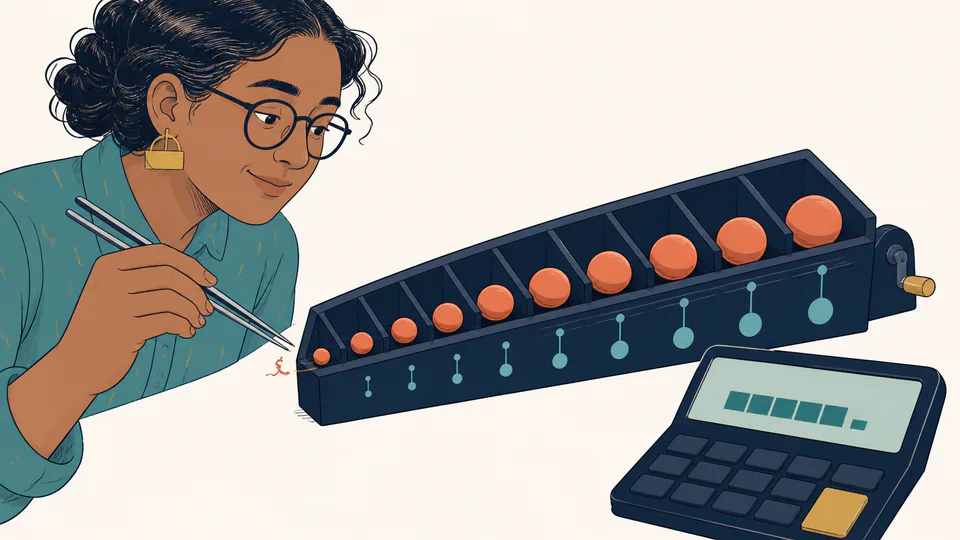
Precision is not the number of digits you can see. It is the amount of information retained while the calculator is still working.
One line of keys, two ideas about order
Consider 2 + 3 × 4. A calculator that applies conventional algebraic precedence performs multiplication first and returns 14. A basic immediate-execution calculator may process each keypress as it arrives: 2 + 3 becomes 5, then 5 × 4 becomes 20.
Both devices followed a rule. The disagreement came from an unspoken question: is the input a complete mathematical expression, or a sequence of commands?
Scientific calculators usually parse an expression and respect precedence. Simple four-function calculators often behave like running totals. Smartphone apps can change behavior between portrait and scientific modes. Parentheses remove much of the ambiguity, but only if the device supports them and the user enters the intended grouping.
Hidden digits and guard digits
Suppose a display has ten digits. It does not follow that every intermediate value is rounded to ten digits. Many calculators keep extra hidden digits, often called guard digits, and round only for display. That helps a chain such as 1 ÷ 3 × 3 return something visually indistinguishable from 1.
Another device may round after each step, use a different internal precision, or show more of the stored value. Long calculations can magnify these policy differences. Subtracting two nearly equal numbers is especially revealing because leading digits cancel, leaving the small uncertain remainder to dominate the answer.
Financial calculations introduce another layer. A worksheet may round each monthly amount to cents before adding the ledger. A formula may keep full precision until the final total. Both procedures can be defensible, but they answer subtly different questions: “What does the ideal formula produce?” versus “What do the posted transactions add up to?”
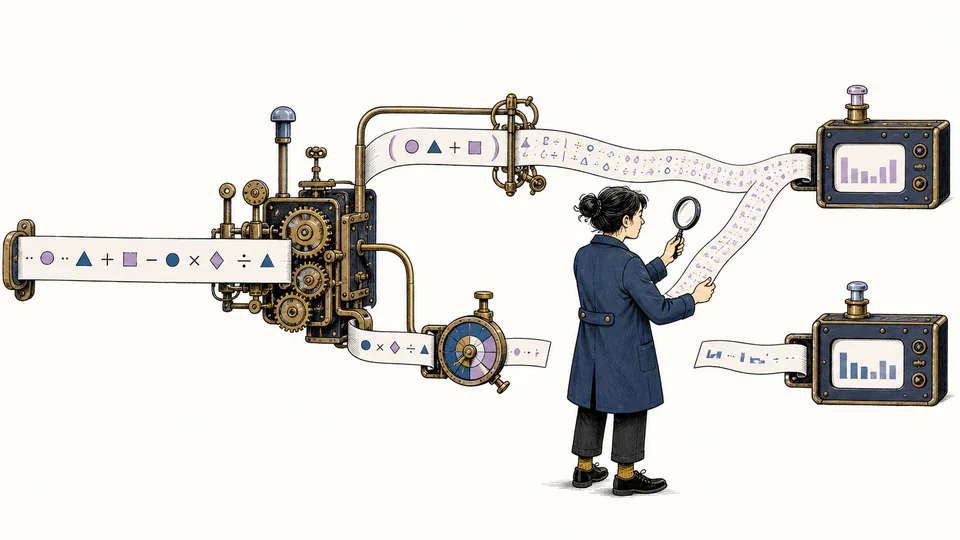
Degrees, radians, and other invisible settings
For trigonometry, sin(30) is incomplete unless the angle unit is known. In degree mode, the answer is 0.5. In radian mode, 30 means roughly 4.77 complete turns, producing a very different value. Calculators often display a small DEG, RAD, or GRAD indicator, but it is easy to overlook.
Other settings create similar surprises:
- Fixed versus scientific display: the stored value may be identical while the shown digits differ.
- Decimal point versus comma: regional input conventions can change how a string is interpreted.
- Percent keys: a basic calculator may treat
%as a contextual commercial shortcut rather than simply dividing by 100. - Logarithm labels:
logcommonly means base 10, whilelnmeans base e; software libraries sometimes use different names. - Negative powers:
-2²and(-2)²are not the same expression under standard precedence.
Constants are measured too
Not every disagreement is computational. A physical constant may be stored with a different number of digits or come from a different revision of an official dataset. Currency conversion depends on a rate and timestamp. Tax, inflation, and calendar rules depend on jurisdiction and date. A calculator can execute its formula perfectly while using assumptions different from another calculator.
This is why a professional result needs more than a prominent number. It should identify units, conventions, assumptions, rounding, and the effective date of external data.
How to investigate a disagreement
When two calculators disagree, do not begin by deciding which one “looks right.” Use a short audit:
- Rewrite the expression with explicit parentheses.
- Check angle mode, units, sign conventions, and percentage behavior.
- Compare intermediate values instead of only the final display.
- Increase displayed precision if the device allows it.
- Identify when rounding occurs—each step, each transaction, or only at the end.
- Check whether constants, rates, dates, or domain rules differ.
- For money or compliance work, follow the rounding method required by the relevant ledger or authority.
The goal is not to eliminate every tiny representation error. It is to know whether the difference is a harmless display artifact, a different but legitimate convention, or evidence that the two tools are answering different questions.