The decimal 0.333333333 looks like an answer. The fraction 1/3 admits that it is a relationship. A calculator in fraction mode can preserve that relationship instead of spending its limited display digits on a rounded imitation.
This is not an escape from limits. The numerator and denominator still need storage, and the screen still has only so much room. But exact-looking arithmetic can survive longer before the calculator chooses a decimal form.
Exact means exact under the chosen representation
Adding 2/3 and 1/5 can produce 13/15 without displaying a string of repeating decimal digits. The calculator combines the rational values, reduces the result when possible, and keeps the pair of integers as the visible form.
Casio manuals note that fractions are reduced to lowest terms and that mixing fractions with decimal values can force a decimal result. That boundary is important: typing 1.6 tells the calculator you have chosen an approximate decimal input, not an undisclosed fraction.
The display can be the limiting factor
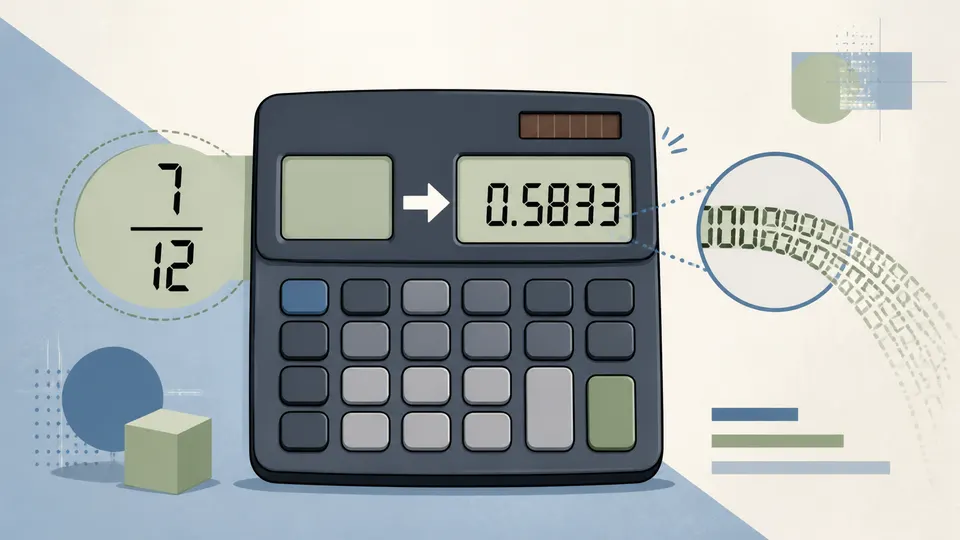
An exact fraction is not automatically compact. A large numerator and denominator can occupy more digits than the calculator can show comfortably. Casio documents a threshold based on the total number of digits and separators in a fractional value; beyond that point, the result is displayed as a decimal.
Reduction is a small proof of housekeeping
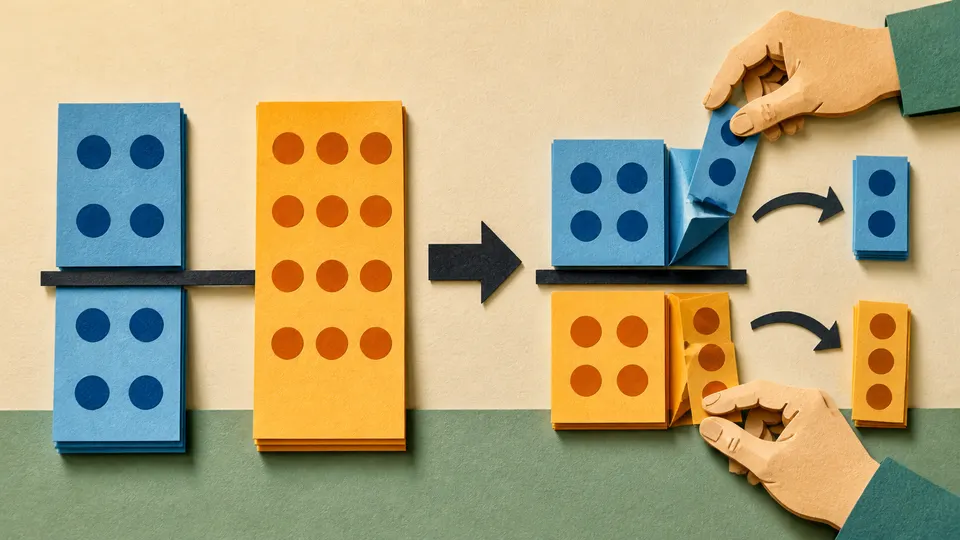
The calculator can represent 2/4 and 1/2 as the same rational value, but the reduced form is easier to read and compare. Simplification is not cosmetic; it prevents the numerator and denominator from carrying a common factor that says nothing about the value.
Fraction mode is a refusal to round early, not a promise to ignore the display.