Press 5 + 2 = and most people expect 7. Press = again and some calculators show 9, then 11, then 13. The key has stopped acting like a final punctuation mark. It has become a replay button.
That behavior is a small piece of hidden state. The calculator remembers an operand and an operator after the first evaluation, then uses them again when the next equals arrives.
The first equals stores more than a result
For repeated equals to work, the machine needs more than the number 7. It needs the operation that produced 7: add 2 to the previous value. Then the next equals can apply the stored operation to the new result.
Not every calculator implements this identically. A basic four-function model may repeat an operation; a natural-display scientific calculator may treat the expression as complete and require a different input sequence. The behavior belongs to the calculator’s input grammar, not to the equals symbol alone.

Repetition is useful when the pattern is genuinely constant
Adding the same delivery fee to several amounts, or stepping a value by the same increment, is a natural use. It is also a trap when the previous operator is forgotten. If you meant to calculate a fresh expression, the replayed operation can look like a mysterious extra term.

The key is a command, not a mathematical operator
Mathematics defines equality as a relation. A calculator button must choose an action: evaluate, finish, replay, or insert a result. The familiar symbol makes that command look universal, even though its behavior is a product decision.
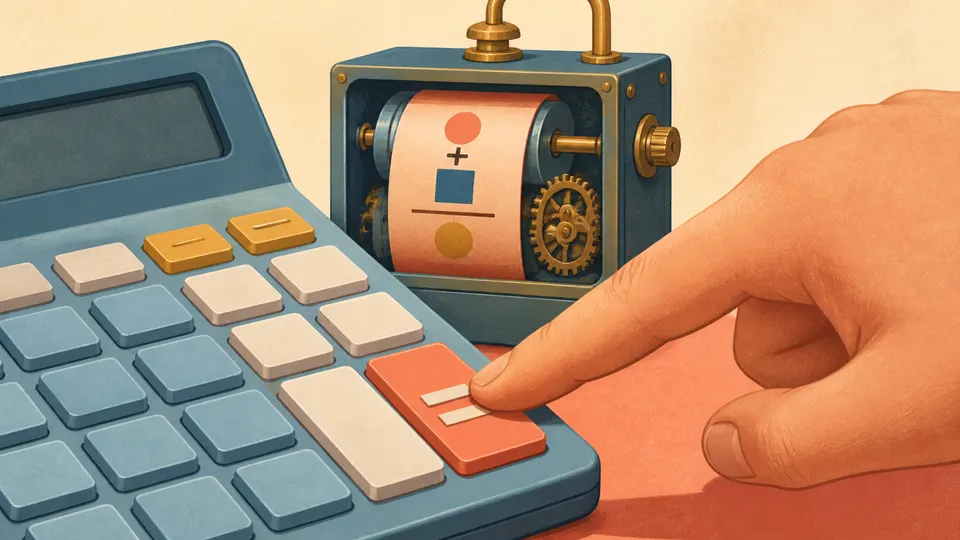
The second equals is often asking, “Do that last thing once more?”